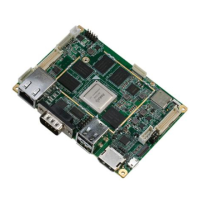
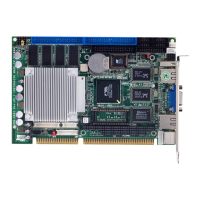
Half-size CPU Card HSB-668I
Chapter 3 Award BIOS Setup
3 - 3
3.2 Award BIOS Setup
Awards BIOS ROM has a built-in Setup program that allows
users to modify the basic system configuration. This type of
information is stored in battery-backed CMOS RAM so that it
retains the Setup information when the power is turned off.
Entering Setup
Power on the computer and press <Del> immediately. This
will allow you to enter Setup.
Standard CMOS Features
Use this menu for basic system configuration. (Date, time,
IDE, etc.)
Advanced BIOS Features
Use this menu to set the advanced features available on your
system.
Advanced Chipset Features
Use this menu to change the values in the chipset registers
and optimize your system performance.
Integrated Peripherals
Use this menu to specify your settings for integrated
peripherals. (Primary slave, secondary slave, keyboard,
mouse etc.)
Power Management Setup
Use this menu to specify your settings for power
management. (HDD power down, power on by ring, KB wake


 To Next Page