E-10
Caution for Pairing
• Turn the power of other Bluetooth
®
devices o when performing pairing.
• If measurement data cannot be received, try pairing again. After pairing is
complete, all communications are done automatically if the receiver is in the
receivable state.
• In the unlikely event that this scale causes radio wave interference to
another wireless station, either change the location where the scale is used
or stop using the scale immediately.
Setting the Units
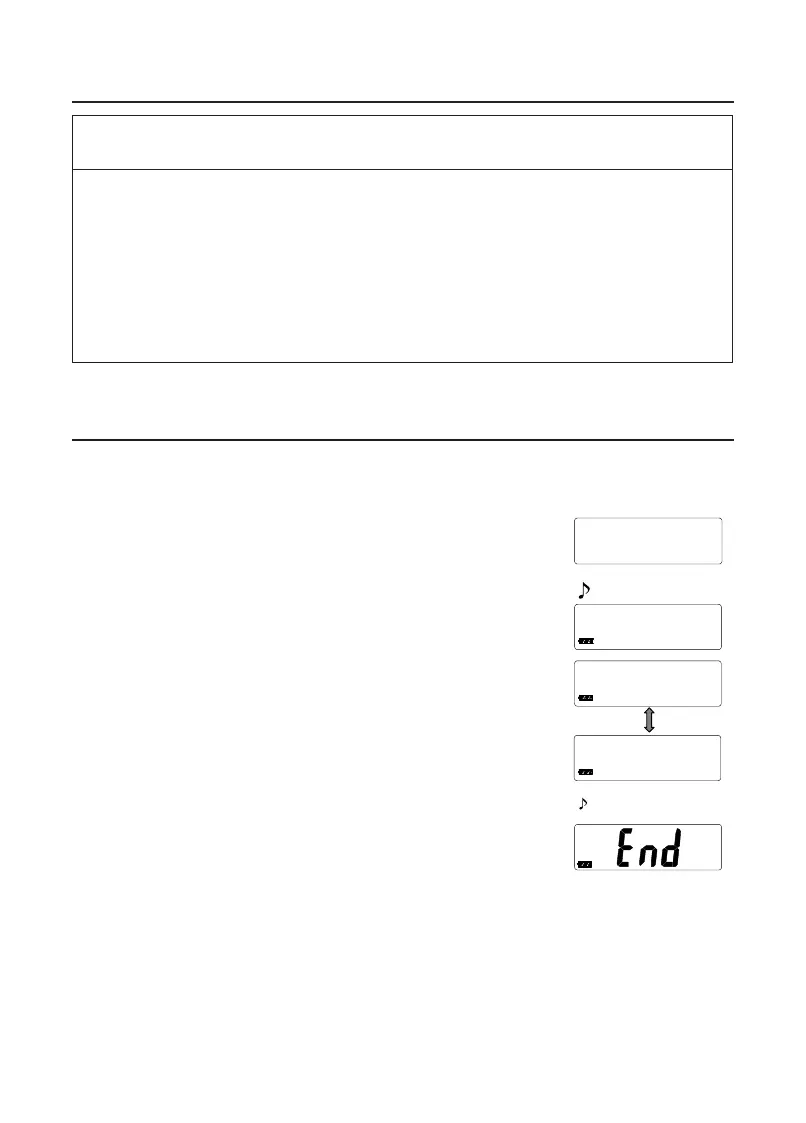
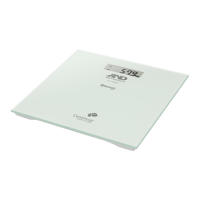
1. Conrm that the scale is turned o, and press the set switch.
2. Press the set switch to select the unit that you want to set.
• The unit changes each time the set switch is pressed.
• Wait for 3 seconds after setting the unit.
3. Conrm that “End” is displayed.
• The settings are saved.
• After three seconds of non-operation, the scale
conrms the selected unit with two beeps, displays
“End ” and automatically turns o.
4. If you to wish to delete any readings stored in memory
press the set switch. Changing the units format will delete
any stored readings on the scale.
Note: To see readings stored in memory they must be transferred to your
mobile device and displayed in the app.
Beep
selected unit with two beeps, displays “End ” and automatically
k
lb
lb
Connecting to a mobile device (Pairing)


 To Next Page