E-11
Taking a Measurement
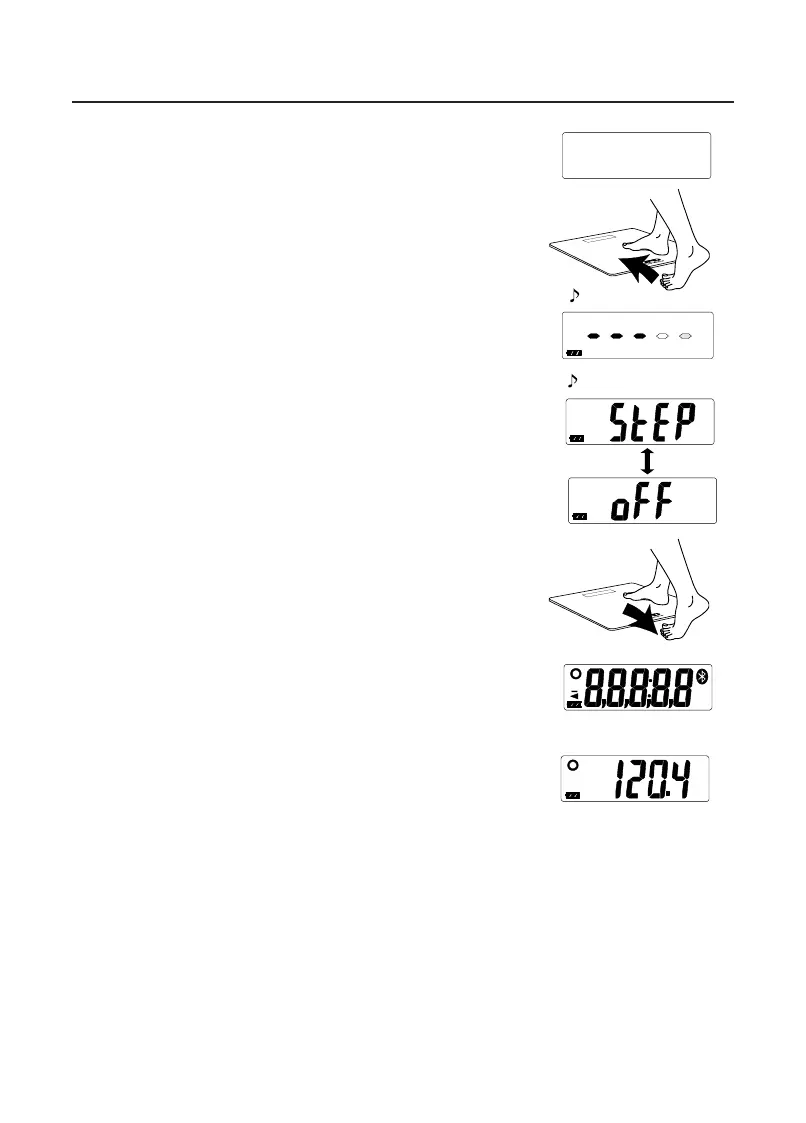
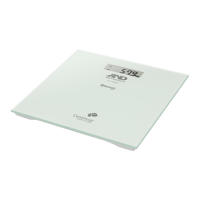
Step On
1. Conrm that the scale is turned o, and step on the
scale gently.
• Measurement starts when you step on the scale.
• A progress bar is displayed during measurement.
Stand up straight and remain as still as possible
during measurement.
2. Step o the scale when “StEP” and “oFF” are
alternately displayed with three beeps.
• If you do not step o, the scale beeps every two
seconds.
• The scale turns o automatically after 2 minutes.
• All display segments are indicated when you step
o the scale.
• Do not touch the scale while all display segments
are displayed. It may cause misreading.
3. Conrm the measurement results.
• The scale turns o automatically 60 seconds after
the measurement results are displayed.
• Data is automatically sent to the receiver if the
receiver is in the receivable state.
• If the scale is not paired with a receiver, the data
is stored in the scale memory. (See “Transmitting
Temporarily Stored Data”.)
• Data stored in the scale memory cannot be viewed
on this scale.
• You can also shut the power o by pressing the set switch.
• The most recent readings will be shown on the screen.
SMART
SMART
Beep
-
lb
lb
Beep beep beep


 To Next Page