
 Need help?
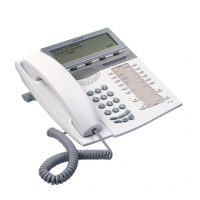
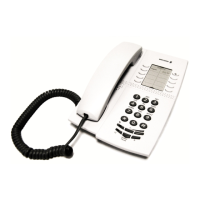
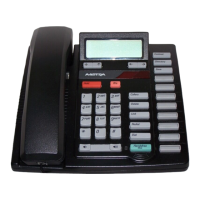
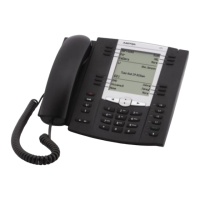
Do you have a question about the Aastra Dialog 4225 Vision and is the answer not in the manual?
Essential safety guidelines for using the telephone and connected equipment.
Explains the top menu structure and available options for the 4225 Vision model.
 General
| Speakerphone | Yes |
|---|---|
| Headset Connection | Yes |
| Handsfree | Yes |
| Wall Mountable | Yes |
| Languages | Multiple |


 To Next Page
