SETTINGS FOR INDIVIDUAL INPUTS DISPLAY SHOWS
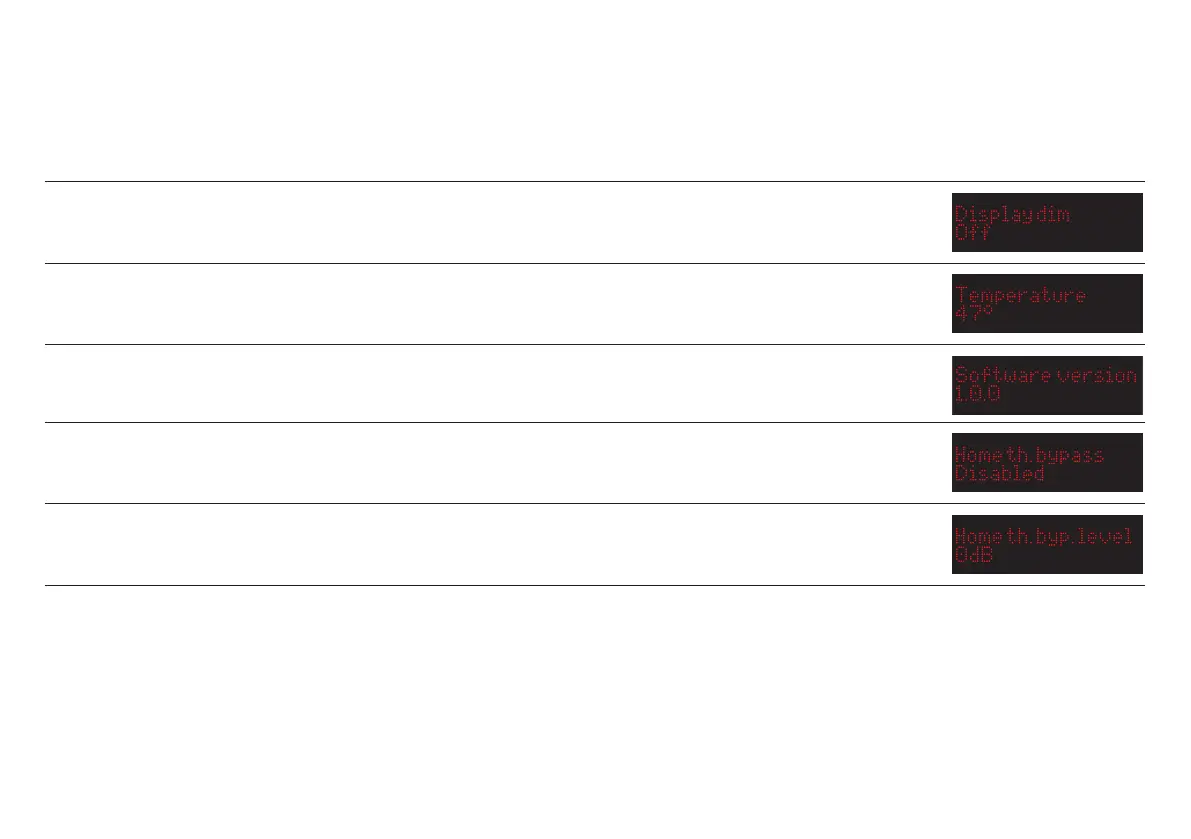
Display dim
Using this setting, you can set the display to switch off automatically after 1-5 seconds. The standard setting is off. When the display is
off, a single dim LED will be lit in the lower right corner.
Temperature
This menu option shows the current operating temperature of the power amp.
Software version
This menu option shows the current firmware version of the amplifier.
Home theatre bypass
Using the home theatre bypass function, you can setup one of the inputs to use a fixed volume setting. Choose the input you want to use,
or ”Disabled” to use all inputs as regular inputs.
Home theatre bypass level
If you have setup one of the inputs as a home theatre bypass input, you can set the fixed volume level using this menu option. 0dB (full
volume) is often used, but any level can be set.
MENU SETTINGS (continued...)
8



 To Next Page