Menu Screens
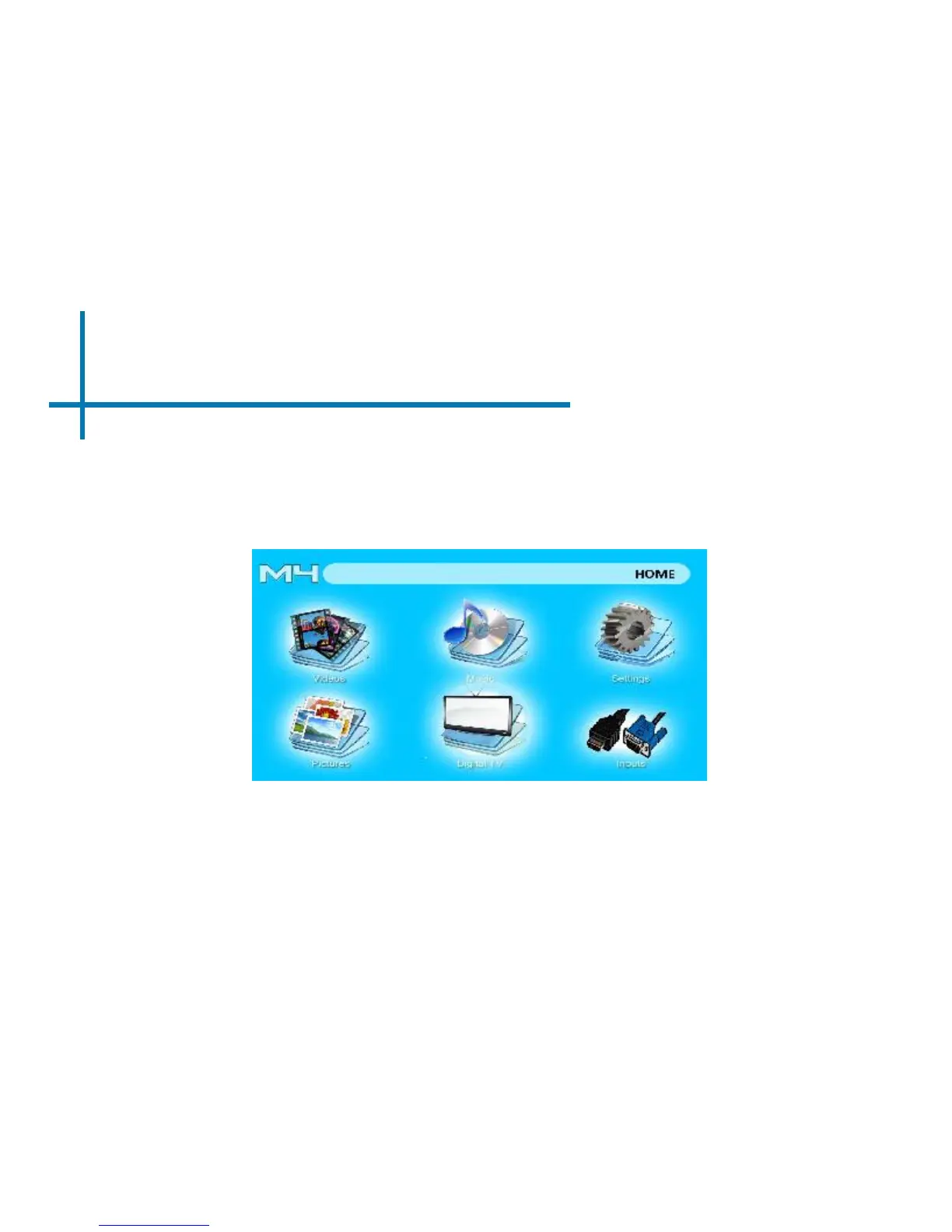
Main Menu
Chapter 3
• Scroll Left/Right by pressing the left and right directional buttons
• To select a submenu, highlight the desired submenu and press the OK button
located in the middle of the keypad or remote.
• To go back to the previous page while in a submenu, press the back on the far
right just underneath the directional keypad.
The M4 features a built in PMP (Portable Media Player) function.
This function allows the projector to play videos, pictures, music les, and text. To access
the main menu simply turn on the projector.
22















 To Next Page