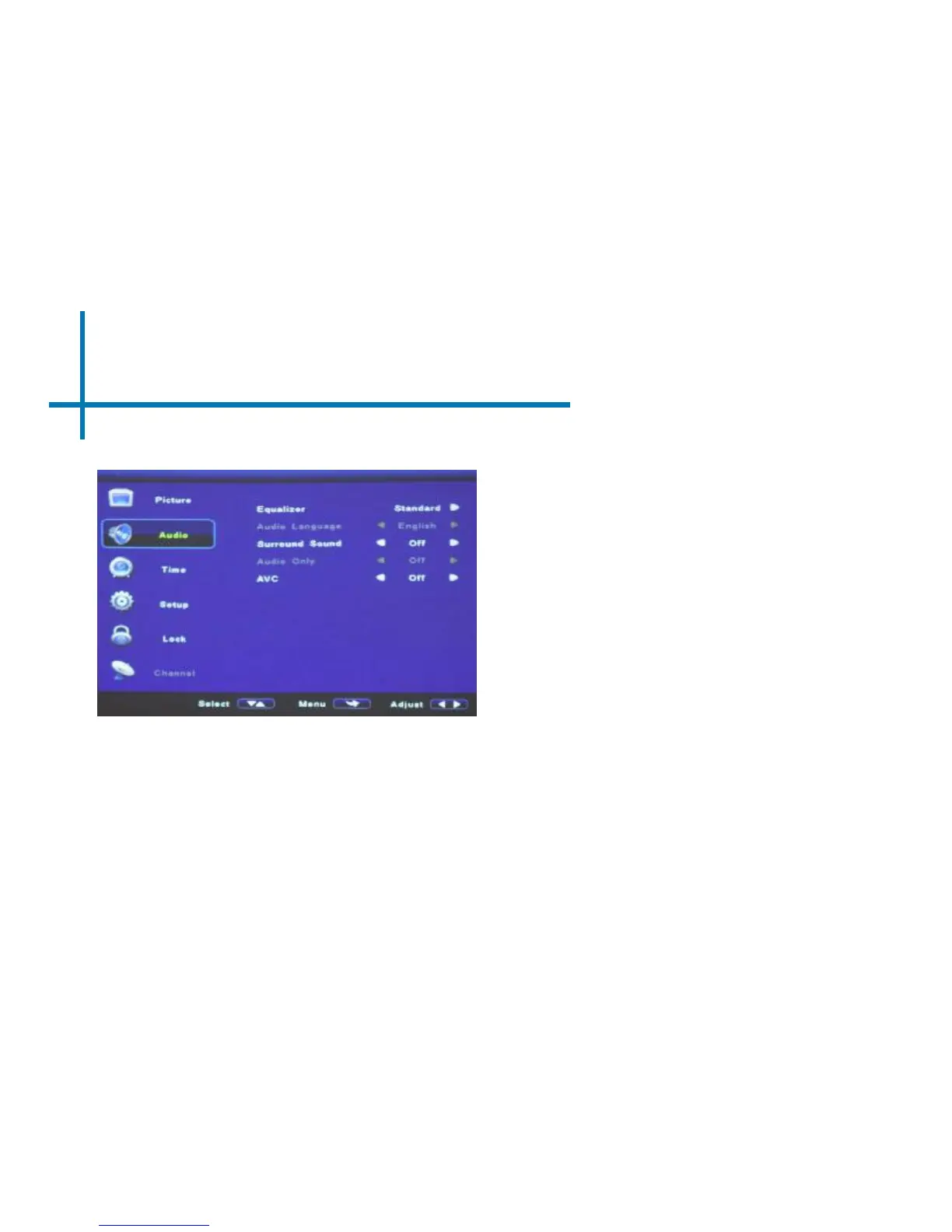
Sound Settings
Surround Sound
• Adjusts the surround sound capa- bilities of
the projector.
Auto Volume (AVC)
• Sets the projector to auto-detect for the
volume. The projector will auto detect the
appropriate sound mode
Equalizer
• The equalizer allows the user to adjust
the dynamic audio output range.
There are four pre-defined settings
and also a user programmable option
36















 To Next Page