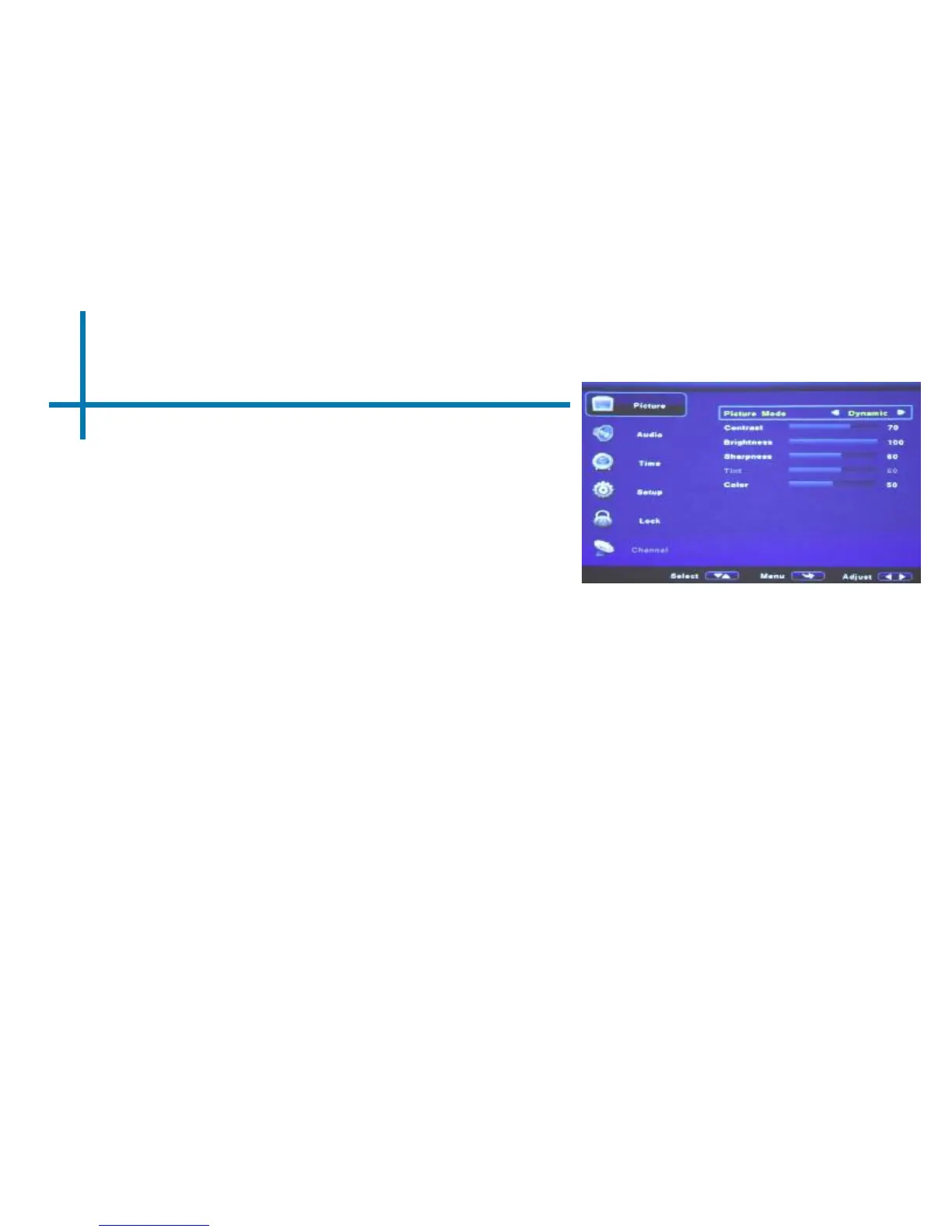
Picture Settings Cont.
34
• This mode allows the user
to adjust the picture slideshow
transition time (in seconds)
Slideshow Time
Brightness
• The brightness function allows the user to
select between 4 different brightness
settings (plugged-in mode only).
i. Economy – Best mode for movie watching.
Most vivid colors. LED life is at the
maximum. Fan noise is at a minimum.
ii. Standard – Good mix of color quality and
brightness. LED life is at the standard.
iii. Bright – Good for presentations. Employs
color-mixing (overlap) technology to
improve brightness. Slightly decreases
LED life expectancy. Fan noise is increased.
iv. Brightest – Good for presentations.
Employs color-mixing (overlap) technology
to generate maximum brightness. LED life
expectancy is decreased ~30%. Fan noise
is increased.















 To Next Page