Keystone Adjustments FAQ
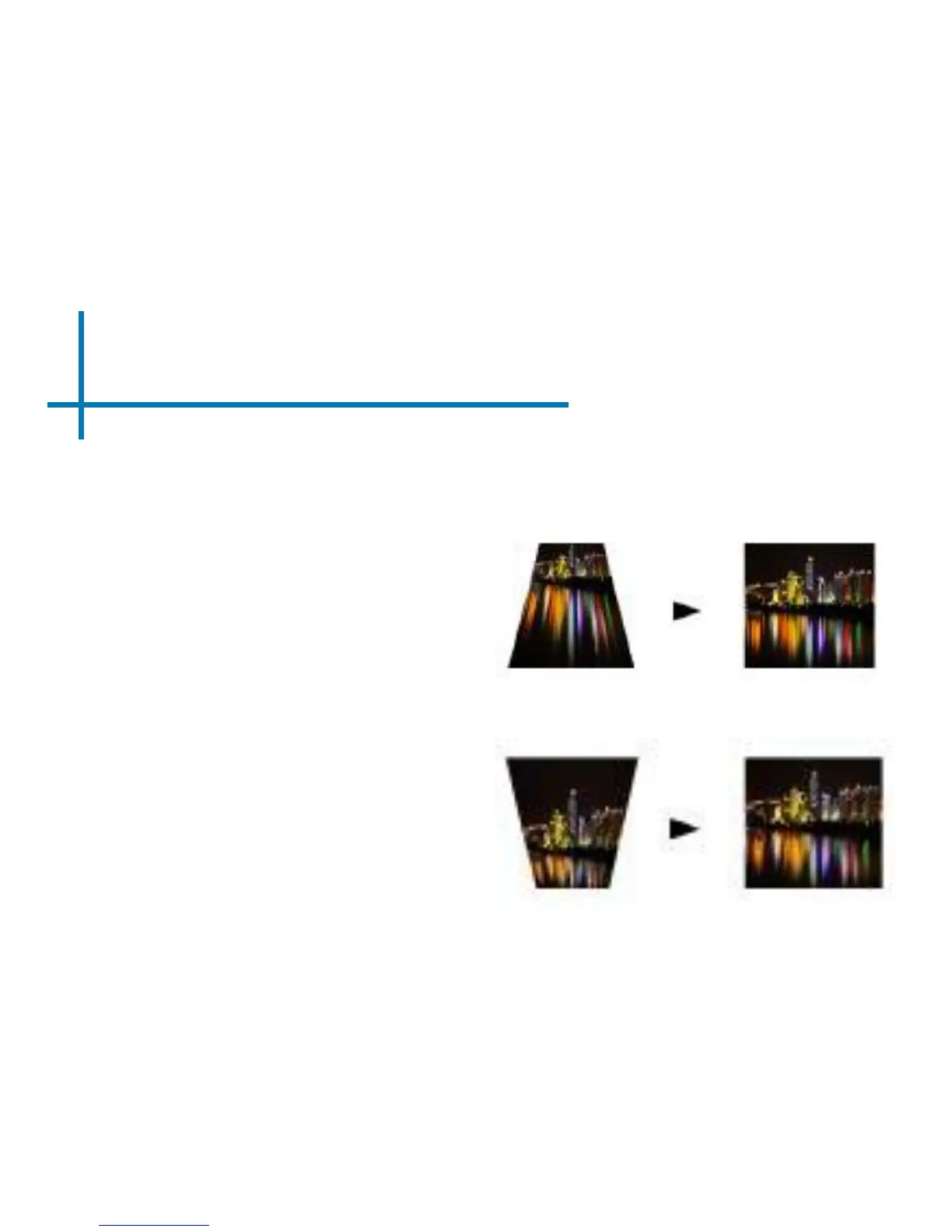
How to Correct Keystone
• If the image looks trapezoidal
with the base larger (as pictured
right), adjustment can be made
using the M4 remote provided.
• If the image looks trapezoidal with
the top larger (as pictured right),
adjustment can be made using the
M4 remote provided.
Keystone adjustments are made automatically. Adjustments can be
made manually via changing the option in the settings menu.
**Please refer to page 3 for reference to keystone buttons on the remote.
40















 To Next Page