PERIPHERALS
Composite Audio / Video (A/V) Connection
The P2 projector can connect to any device that outputs composite video / audio (RCA type).
The projector auto-detects the A/V cable in “stand by” mode. When the A/V cable is plugged
in the MP4 menu is not accessible. The projector will automatically display any A/V image
that is sent through the cable
.
The P2 projector can connect to Zunes via the AAXA Zune cable (sold separately). The cable
functions the same as an A/V cable and is auto-detected while in “stand by” mode. Users must
select
the “TV out” under the Settings -> Display in the Zune menu before the display
is outputted.
Connecting to Zune
The P2 projector can connect to Iphones and Ipods via the AAXA Ipod / Iphone cable (sold
separately). The cable functions the same as an A/V cable and is auto-detected while in
“stand by” mode. Please see your Ipod / Iphone manual on “how to output to TV” for
Iphone / Ipod operating instructions. Most Iphones / Ipods will auto-detect the A/V cable.
Some Ipods require selecting “video out” to display pictures and videos.
Connecting to Iphone / Ipod
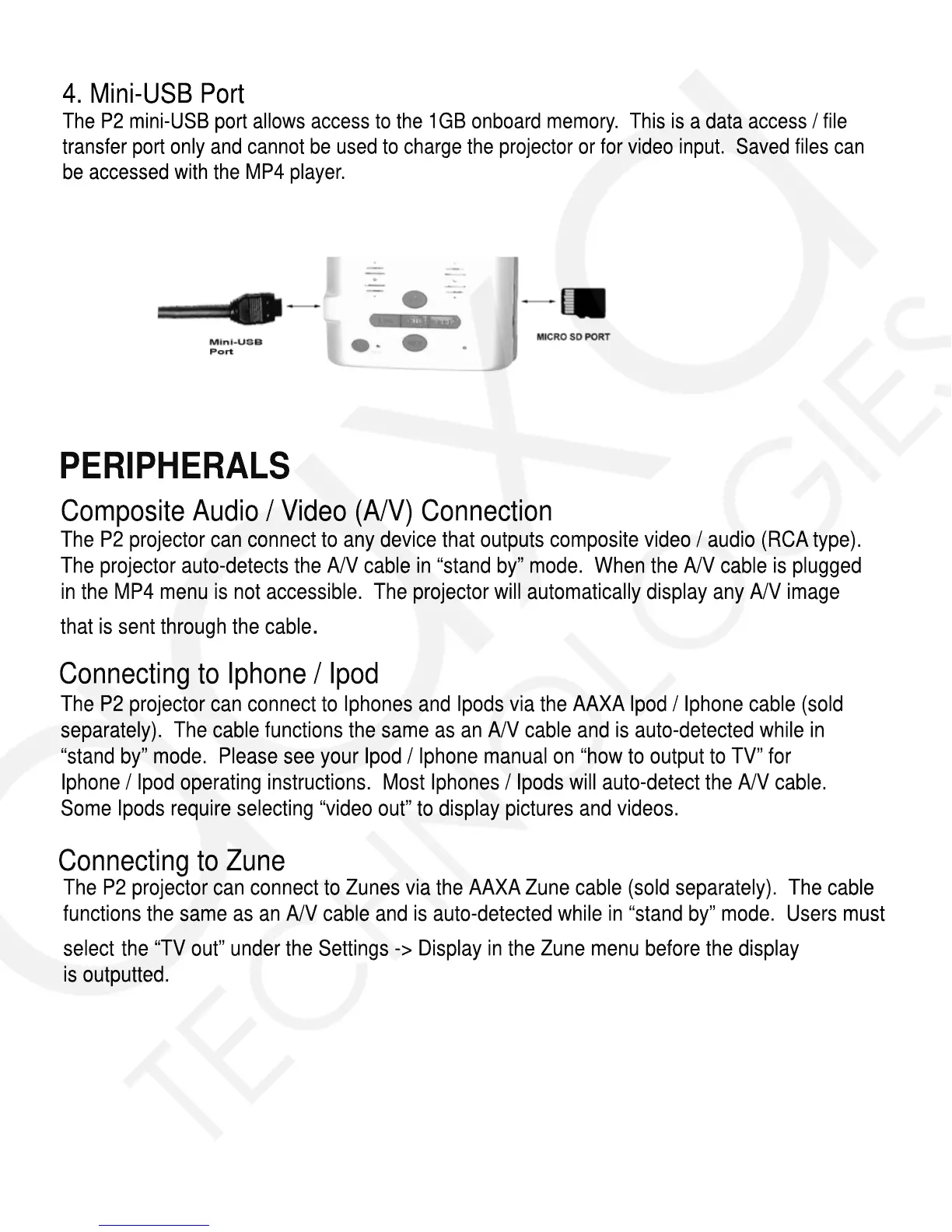
4. Mini-USB Port
The P2 mini-USB port allows access to the 1GB onboard memory. This is a data access / file
transfer port only and cannot be used to charge the projector or for video input. Saved files can
be accessed with the MP4 player.














 To Next Page