GENERAL OPERATION
POWERING ON THE PROJECTOR
1.Attach the Power Cable or Battery Pack
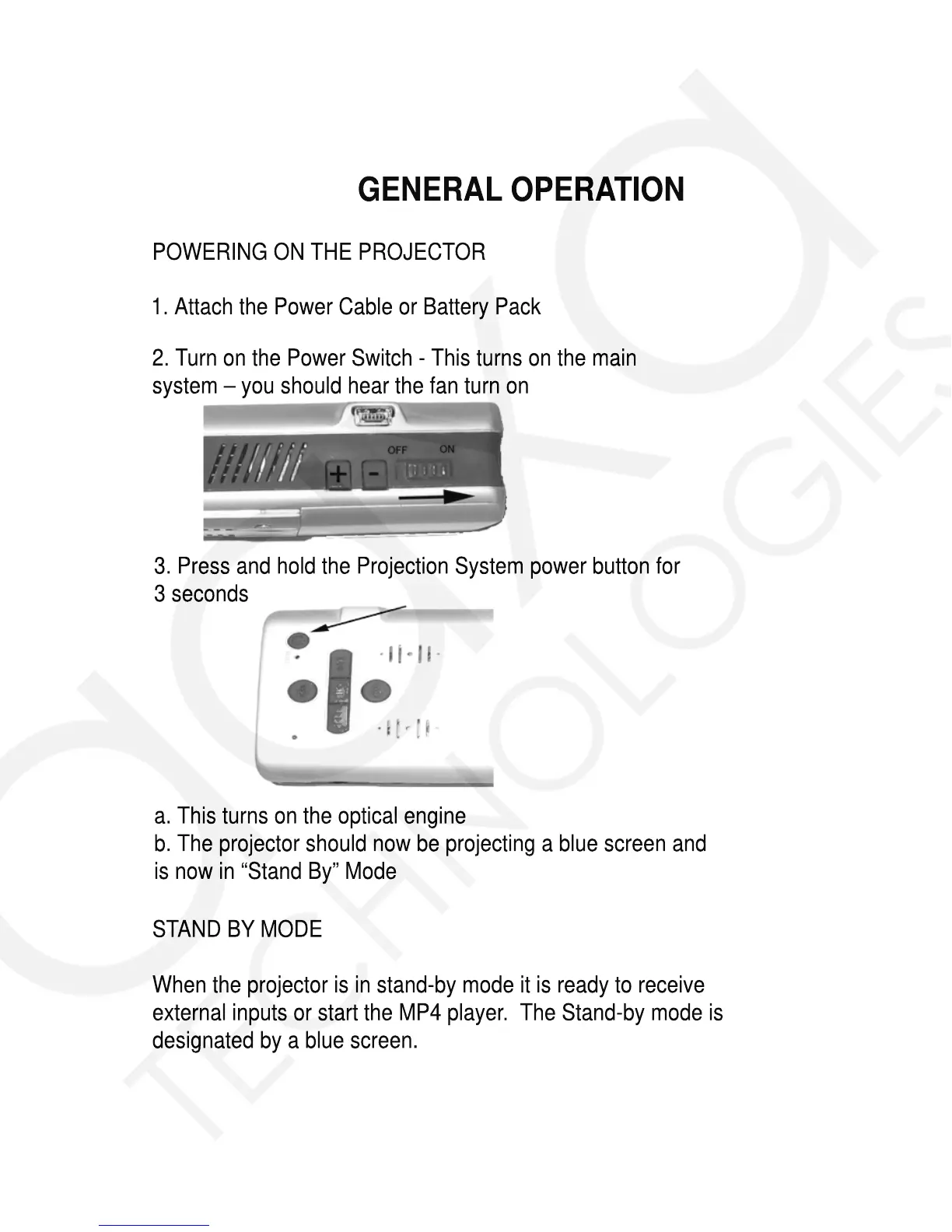
2.Turn on the Power Switch - This turns on the main
system – you should hear the fan turn on
3.Press and hold the Projection System power button for
3 seconds
a.This turns on the optical engine
b.The projector should now be projecting a blue screen and
is now in “Stand By” Mode
STAND BY MODE
When the projector is in stand-by mode it is ready to receive
external inputs or start the MP4 player. The Stand-by mode is
designated by a blue screen.














 To Next Page