REMOTE CONTROL &
ADVANCED IMAGE ADJUSTMENT (AIA)
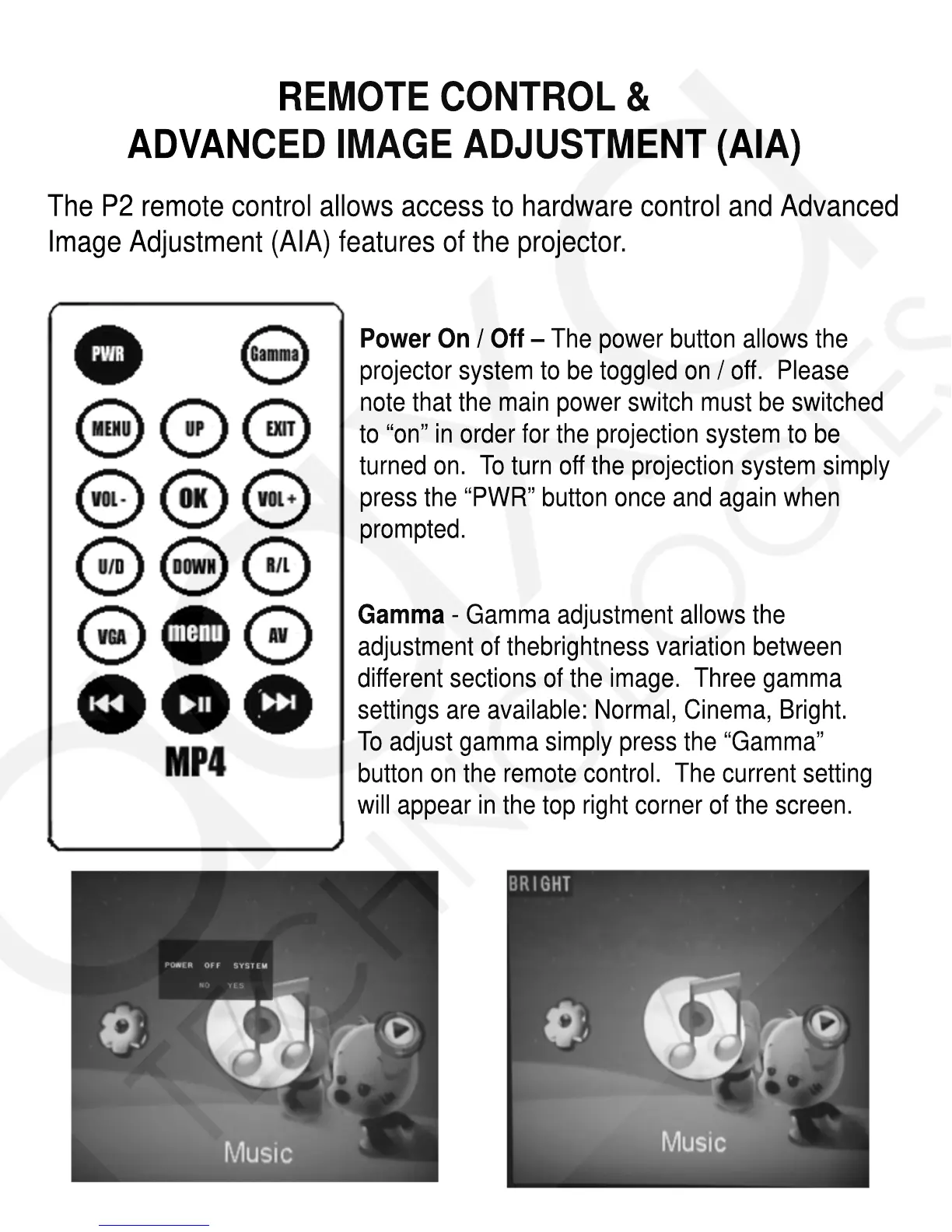
The P2 remote control allows access to hardware control and Advanced
Image Adjustment (AIA) features of the projector.
Gamma - Gamma adjustment allows the
adjustment of thebrightness variation between
different sections of the image. Three gamma
settings are available: Normal, Cinema, Bright.
To adjust gamma simply press the “Gamma”
button on the remote control. The current setting
will appear in the top right corner of the screen.
Power On / Off – The power button allows the
projector system to be toggled on / off. Please
note that the main power switch must be switched
to “on” in order for the projection system to be
turned on. To turn off the projection system simply
press the “PWR” button once and again when
prompted.














 To Next Page