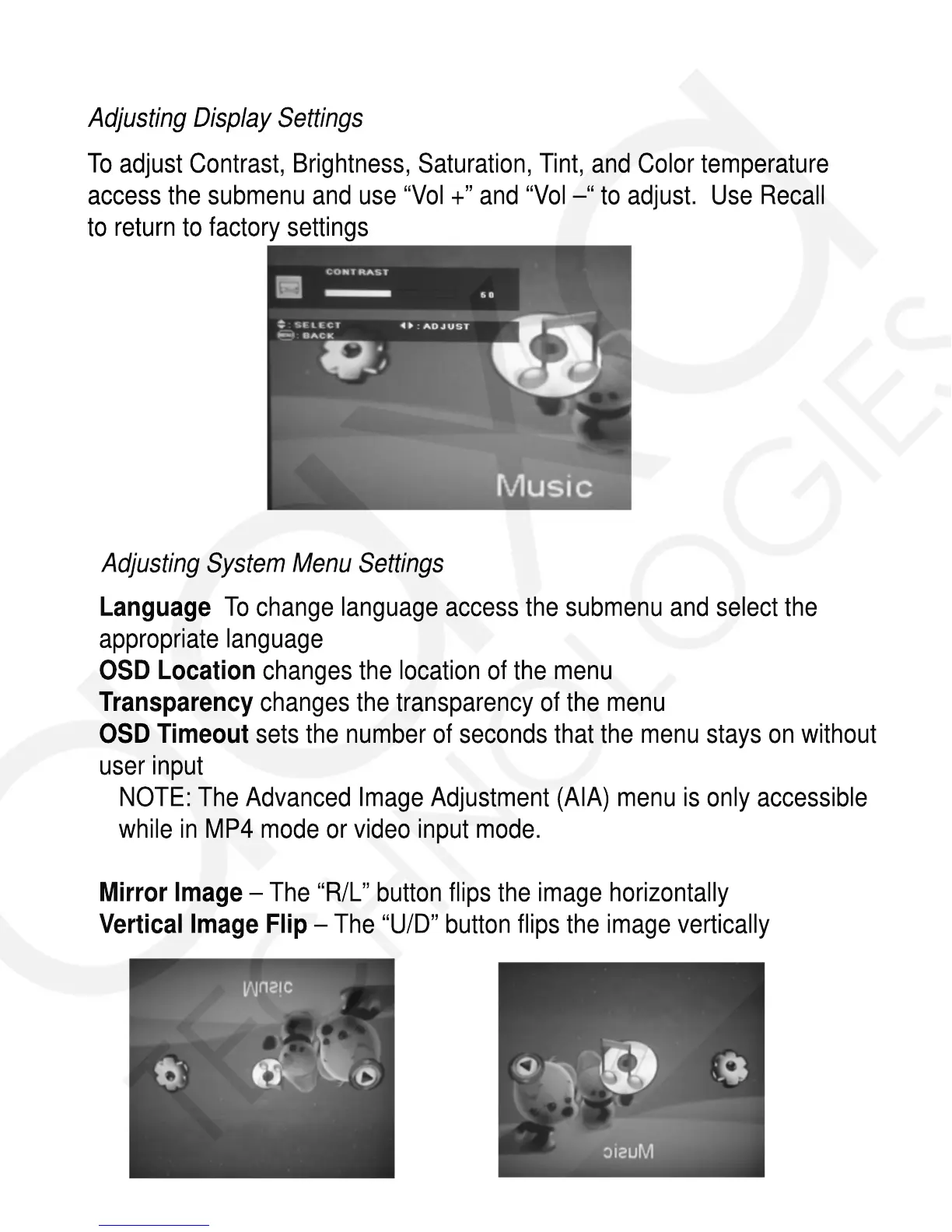
To adjust Contrast, Brightness, Saturation, Tint, and Color temperature
access the submenu and use “Vol +” and “Vol –“ to adjust. Use Recall
to return to factory settings
Adjusting System Menu Settings
Language To change language access the submenu and select the
appropriate language
OSD Location changes the location of the menu
Transparency changes the transparency of the menu
OSD Timeout sets the number of seconds that the menu stays on without
user input
NOTE: The Advanced Image Adjustment (AIA) menu is only accessible
while in MP4 mode or video input mode.
Mirror Image – The “R/L” button flips the image horizontally
Vertical Image Flip – The “U/D” button flips the image vertically
Adjusting Display Settings














 To Next Page