Connecting to Digital Input Video Devices
27
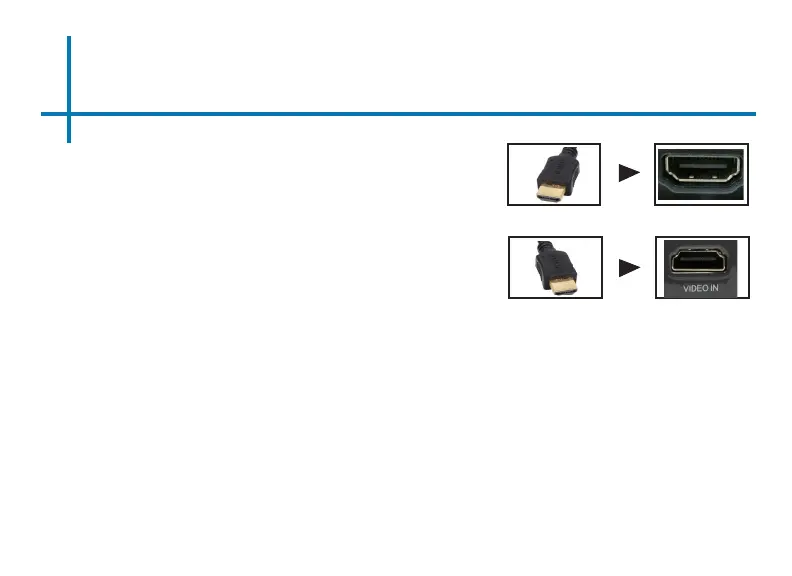
Connect one end of the Digital Input Cable to
your device’s Digital Input port.
Step 1:
Step 2:
Step 3:
In the Main Menu, select the “Digital Video” Icon. Your P400+ should
now be mirroring the content from your device.
Connect the other end of the Digital Input
Cable to your P400+’s Digital Input port.
If you’re connecting to a computer or laptop and the projector does not
automatically mirror it, read onto the next page for more information.
Note:















 To Next Page