Connecting to HDMI Video Cont.
Connectivity with multimedia devices
The P450 can connect to many media devices including: iPod, iPhone, iPad, VHS
players, DVD players, smart phones, cameras, video game consoles and other
peripherals with ease.
*Apps on smart phones require video out capabilities to be displayed with the P450.
14
Step 3:
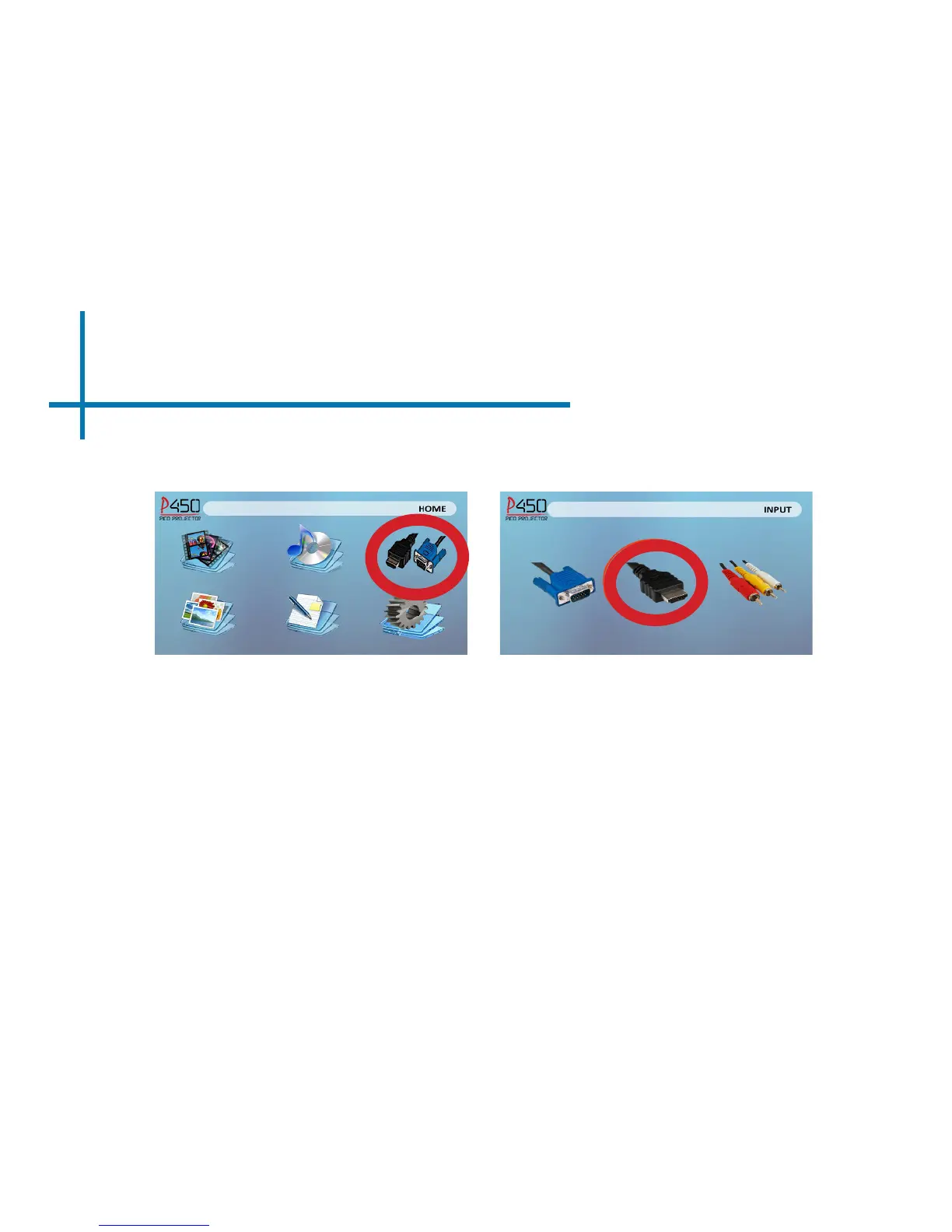
In the Main Menu
Turn on your multimedia device. If avaiable select 1280x720 or 1920x1080
Step 4:
Select “HDMI” iconSelect “INPUT” icon















 To Next Page