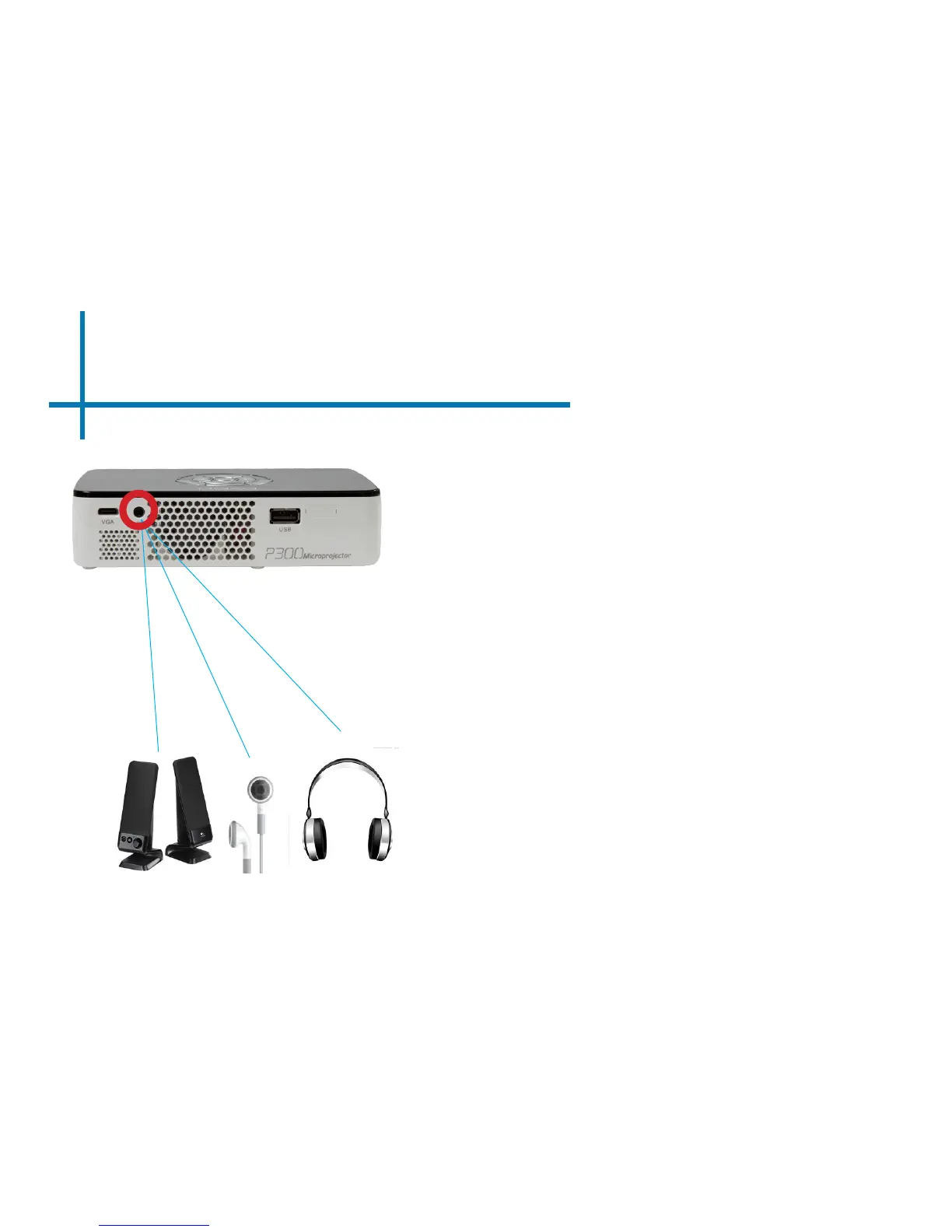
Connecting Speakers/Headphones
15
Connect your speakers/headphones
to the projector’s audio port.
Step 1:
Step 2:
*CAUTION: Prolonged use of headphones at a high
volume may impair hearing
Ensure that the projector and/
or the headphones is powered on.
Step 3:
Place the headphones on and enjoy!















 To Next Page