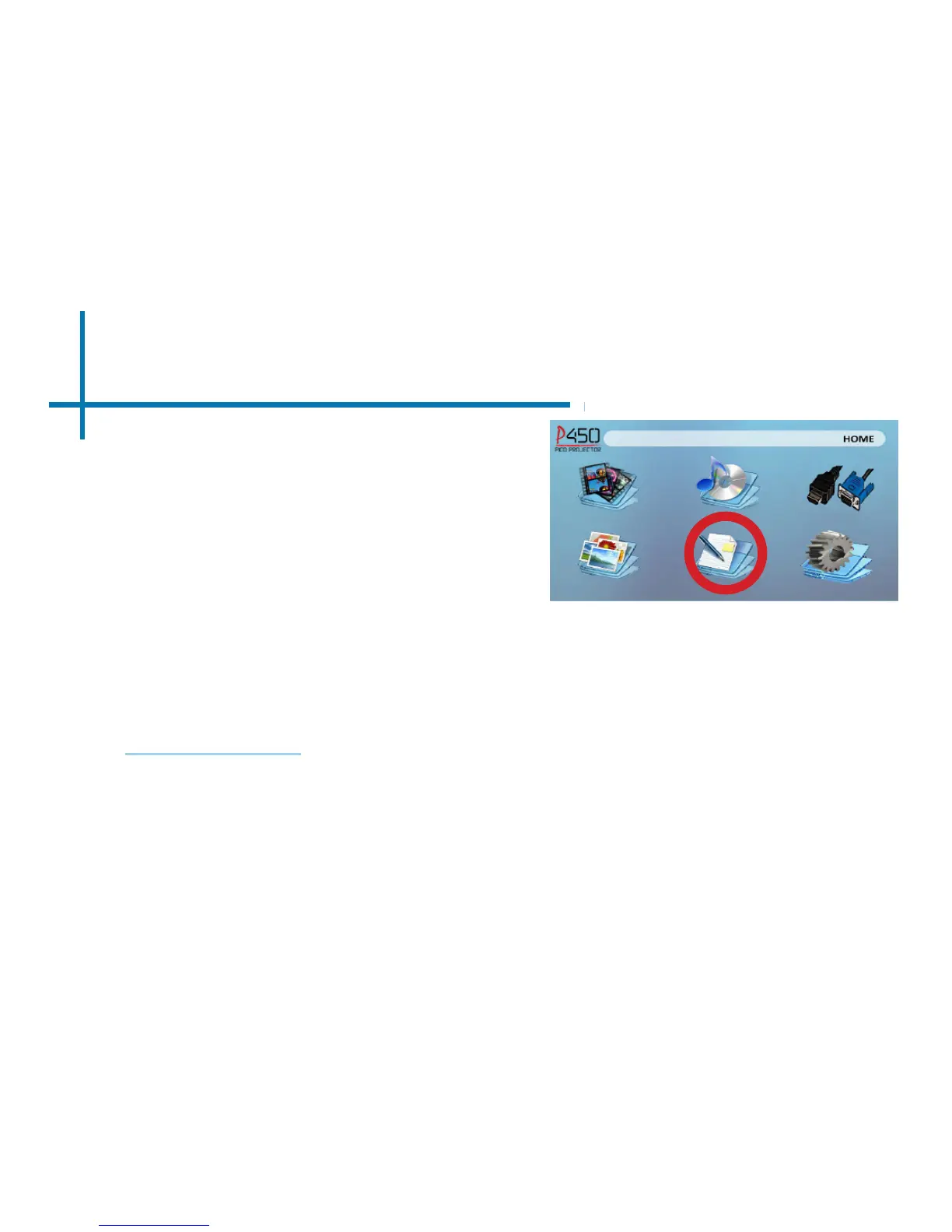
EBook Viewer Menu
30
Viewing Text Files:
The P450 Pico Projector allows you to view text les. Select the le you want to view in
the le menu for the particular storage device on which the le is stored. You can press
the left and right arrow buttons on the directional pad or remote to ip through the pages
you have in the present folder.
The P450 will show all folders and les you have on your USB or MicoSD Drives.
Use the navigation buttons to select folders or les.
Opening A File:
• Select where the les are located from
the main menu.
• Select the “EBook” icon (Fig 3.10)
• Choose which le you wish to play.
Fig. 3.10
Microsoft Ofce and PDF le formats are not supported. To view a slideshow convert your slideshow
into JPEG pictures rst.
Note:















 To Next Page