Photo Slideshow FAQ
How do I play a slideshow?
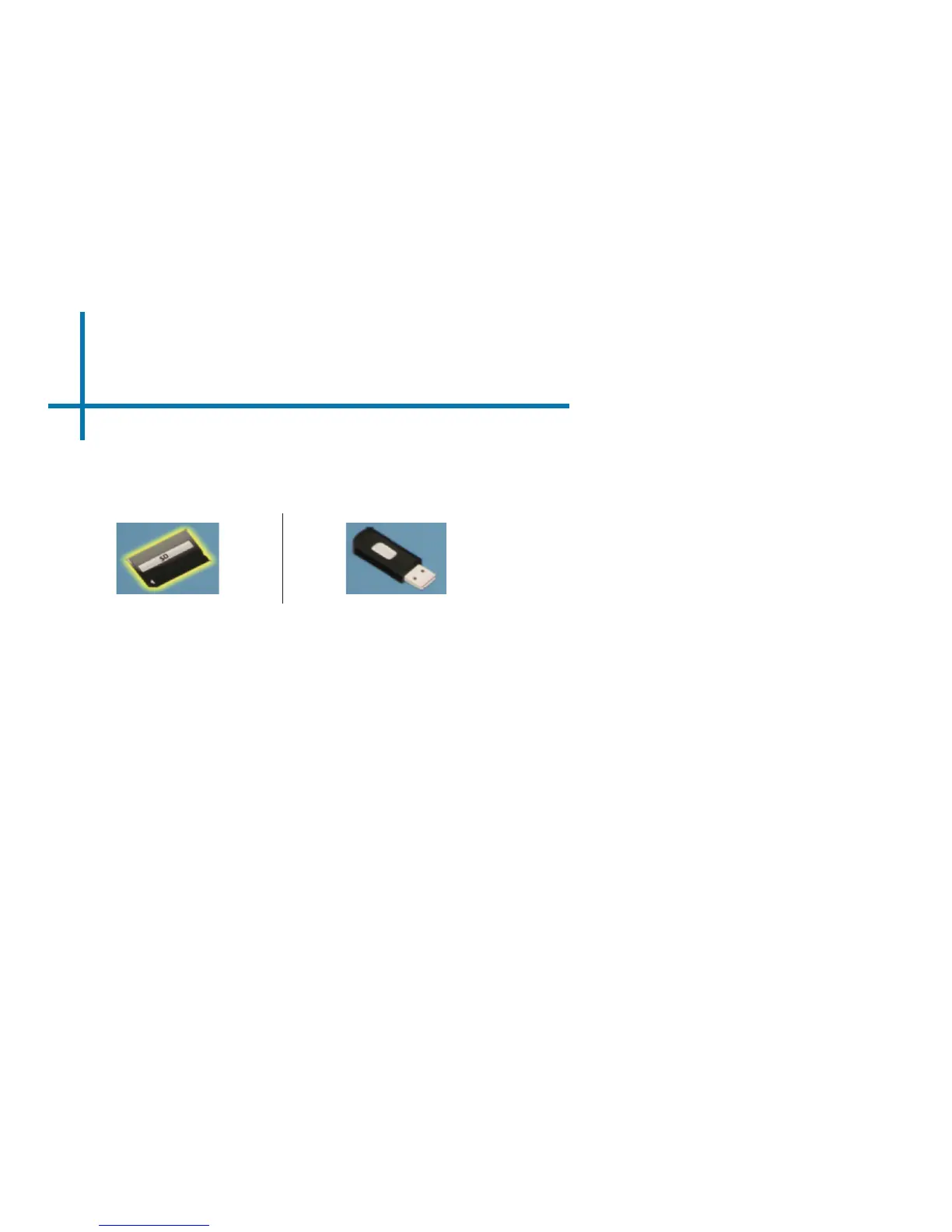
1. Choose either USB or SD Card
for playback
2. Navigate to the folder that
contains the pictures you wish
to see in the slideshow
3. Conrm selection of the rst
picture.
4. Press “play” in the photo menu
5. Slideshow will now play.
6. NOTE: Selecting “repeat” will
loop slideshow.
How do I manually control the
slideshow?
1. After selecting the photo you wish to
be displayed, you can press “play” to
start the slideshow (as outlined in the
previous FAQ).
2. To manually control the slideshow,
you must stop the slideshow with the
“stop” button.
3. You may use either the controls on
your remote or on top of the projector
itself to ip through the pictures in the
current playlist.
26















 To Next Page