Connecting to Composite Video Cont.
Connectivity with multimedia devices
The P5 can connect to many media devices including: iPod, iPhone, iPad, VHS
players, DVD players, smart phones, cameras, video game consoles and other
peripherals with ease.
*Some smart phones require video out capabilities to be displayed with the P5. Check with
your phone manufacturer.
14
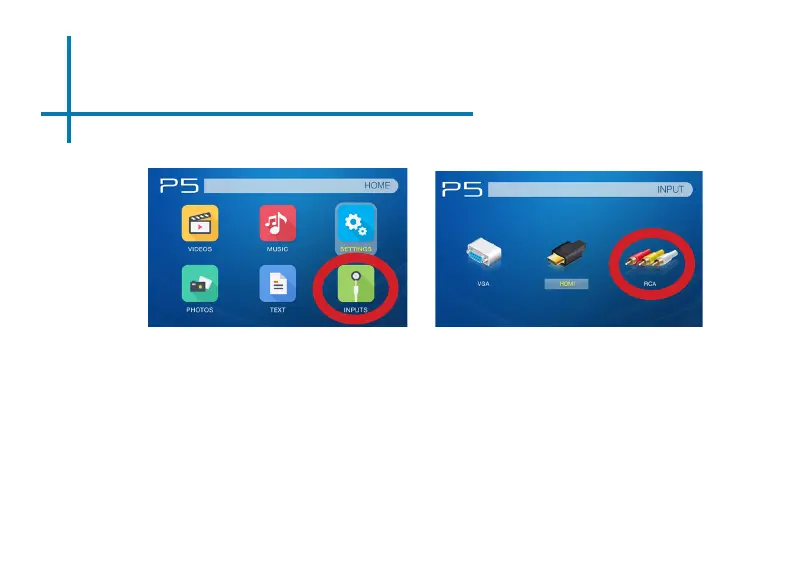
In the Main Menu
Turn on your multimedia device.
Select “INPUT” icon
Select “RCA”
Step 3:
Step 4:















 To Next Page