Video Player Menu
23
Previewing Files:
• Press the directional keys to highlight the item of interest
• Wait 2-3 seconds and a preview of the video will show on the screen
The P5 will show all folders and les you have on your USB or MicroSD drive.
Use the navigation buttons to select folders or les.
Opening a le:
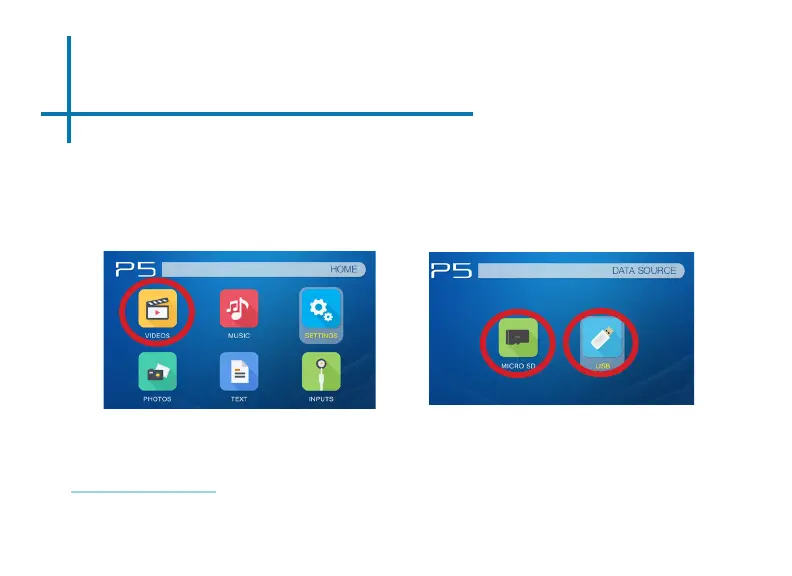
• Select the “Video” icon (Fig. 3.1)
• From the sub menu (Fig. 3.2), select the storage media with the stored les.
• Choose which le you wish to play.
Fig. 3.1
Fig. 3.2















 To Next Page