Radio Favorites operation similar to the TV Favorites.
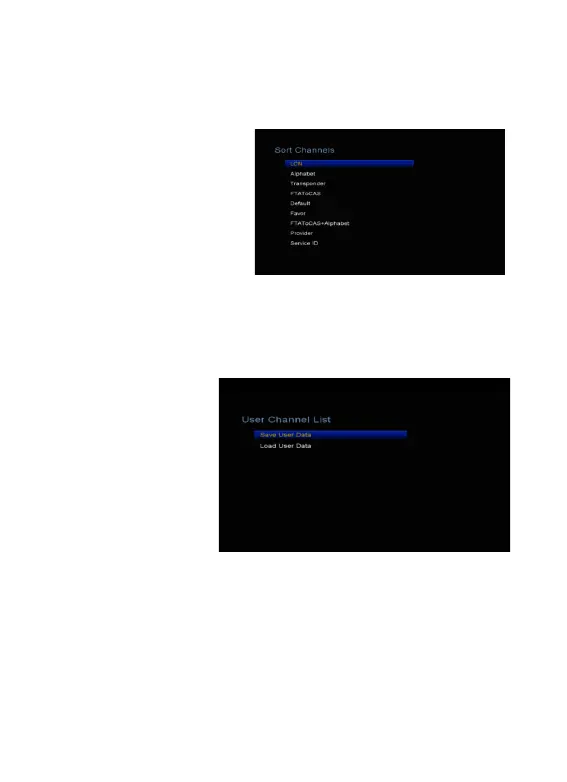
5.5 Sort Channels
You can sort the channels list.
Highlight the option you want
and press the OK button to sort
the channel list. You can sort
by LCN, Alphabet,
Transponder, FTAToCAS,
Default, Favor, FTAToCAS+,
Alphabet, Provider and Service
ID.
5.6 User Channel List
User Channel List allows
you to save or load all
the data and settings.
1. Menu-> Edit Channel
-> User Channel
List->Save User Data
2. Menu-> Edit Channel
-> User Channel
List->Load User Data
6. Settings
6.1 System Settings
Menu-> Settings->System Settings
Tip: You can set all the settings here by pressing ◄/►button.
1. Menu Language: Set the menu language.
2. Audio1: Set the preferred audio language.
3. Audio2: Set the sub-prime audio language.



 To Next Page