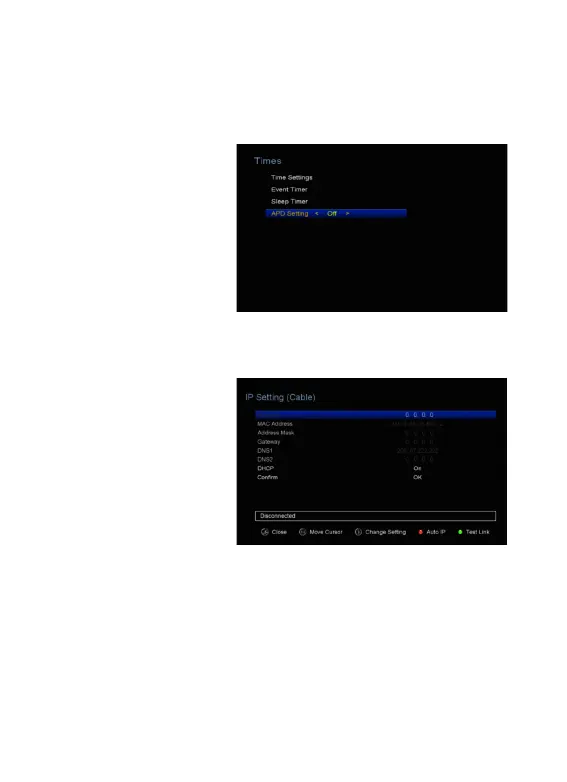
SLEEP Timer can set the automatic turn off time.
4. APD Time
Set the time, no longer
remote control, the machine
will automatically enter
standby at the set time.
6.5 IP Setting
1. Connect one end of the
Ethernet cable to the
product and the other end to
the LAN router.
2. Menu-> SETTINGS ->IP
Setting
If the Ethernet cable is
connected fine, it will
display “Connected”. In this menu, you can set IP address manually, also you
can get IP address automatically.
Ø RED: Get IP address
automatically.
Ø GREEN: Test the network if
connect correctly.



 To Next Page