change password.
6.4 Times
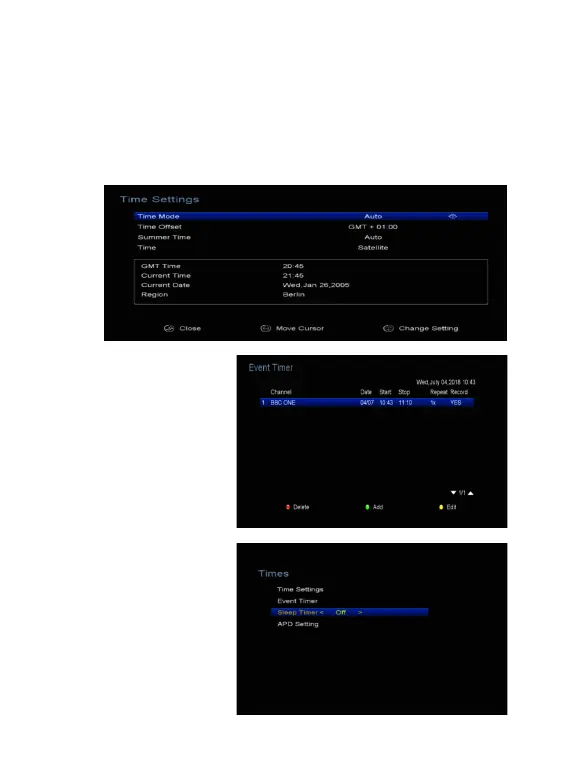
1. Time Settings:
Time Settings will set the time mode, time offset and summer time.
2. Event Timer:
It will record or play the
program automatically
according to the timer event
list that you set.
1). Press the GREEN
button to setup a timer, and
press the OK button to save
the timer after setup.
2). In Event Timer menu,
highlight one event, press
the BLUSH button will
cancel this timer and press
the YELLOW button can
go to edit this timer.
3. Sleep Timer



 To Next Page