ØGo to Position
Press OK button to move the dish to the position which you saved.
ØGo to Reference
Press OK button to move the dish to 0 position.
ØSet West Limit
You can set the maximum motor limit for both West to prevent damage to the
antenna.
ØSet East Limit
You can set the maximum motor limit for both East to prevent damage to the
antenna.
ØDisable Limit
Disable West limit and East limit.
ØGo to X.X
Press OK button to move the dish to the USALS Setup.
Tip:
Before you use
USALS
, you should go to Main
Menu →
INSTALLATION→
USALS
Setup to set you local position firstly.
4.3 Fast scan
To fast search channels by different providers base on Astra (19.2) satellite and
the 12515 transponders.
4.4 Terrestrial Menu
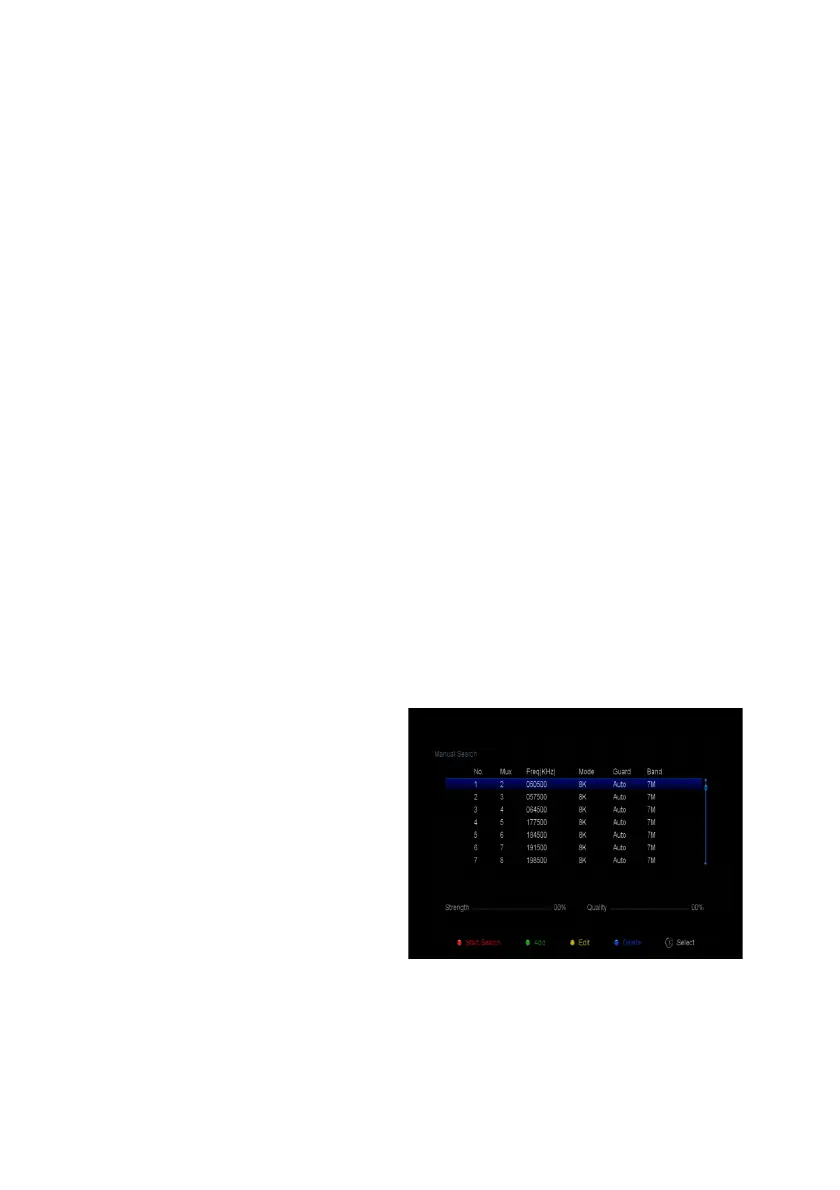
4.4.1 Manual Search
Enter DVB-T2 TP list, press OK to
select the TP, you can Start Search,
Add/Edi/Delete Transponders .
4.4.2 Auto Search
Select Auto Search, it will enter
searching all TP.
4.4.3 Antenna Power Setting
Enter this menu to setting DVB-T2 power ON/Off.



 To Next Page