35
8.2 Setting
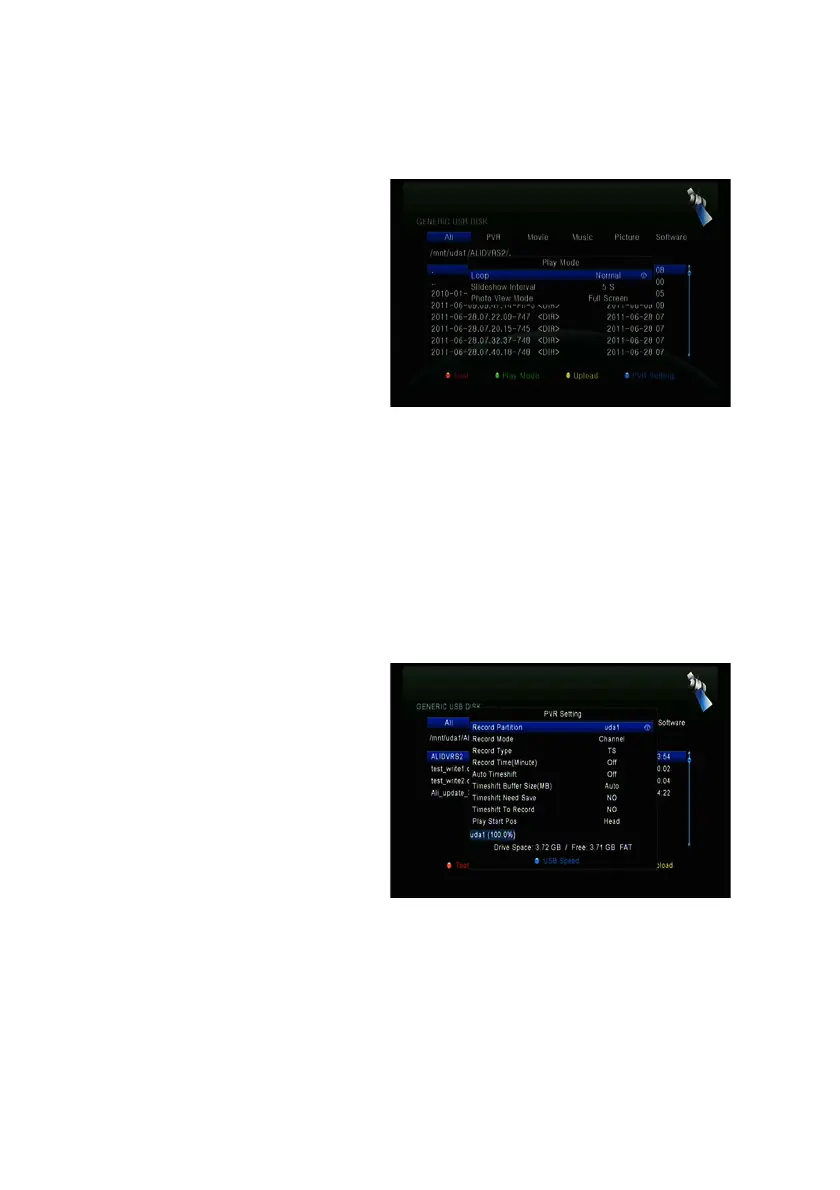
1. Play Mode
" Loop
Set the Loop state on Normal,
Reverse, Random, Single or
Off.
" Slide Show Interval
Set the Slide Show Interval from
2S-10S.
" Photo View Mode
Set the Photo View Mode state on Full Screen, 2x2 Thumbnail or 2x3
Thumbnail.
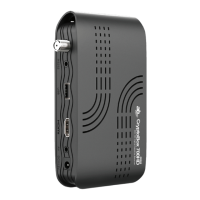
2. PVR Setting
" Record Partition
Select the Partition where save your record or other result of your operation.
" Record Mode
Set the Record Mode Channel or
Transponder.
" Record Type
Set the Record Type TS or PS.
" Record Time
Set the Record Default Time off,
30, 60, 90, 120 minute or input
number directly.
" Auto Timeshift
Set start the Timeshift if automaticly.
" Timeshift Buffer Size(MB)



 To Next Page