4.1 First installation / Installation wizard
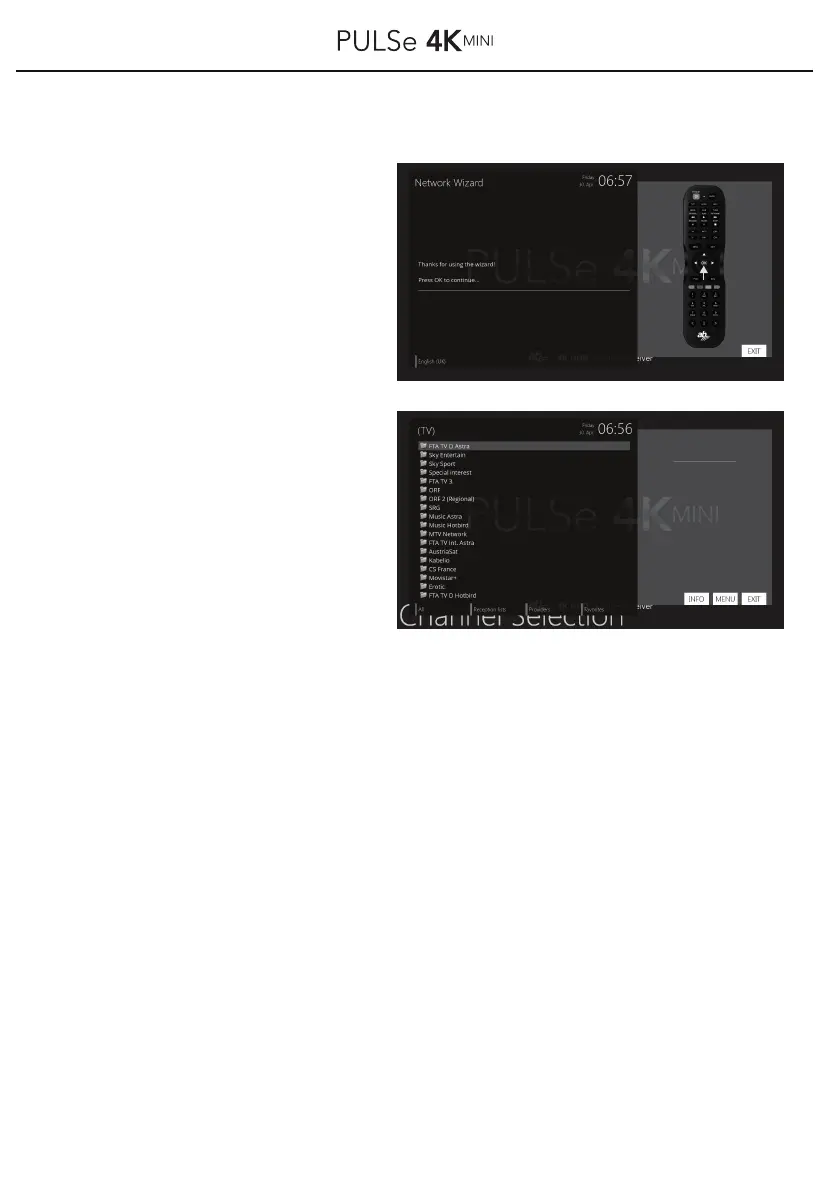
After successful connection to the
Internet and your router, the message
appears that your PULSe4Kmini is
now connected to the Internet.
To continue press the OK button on
your remote control.
The installation is now complete.
The program list now appears -
sorted by provider Bouquets
(favorites).
Use the ▲ / ▼ buttons to select
your favorite bouquet and confirm
this by pressing the OK button on
your remote control.
13



 To Next Page