EasyManua.ls Logo

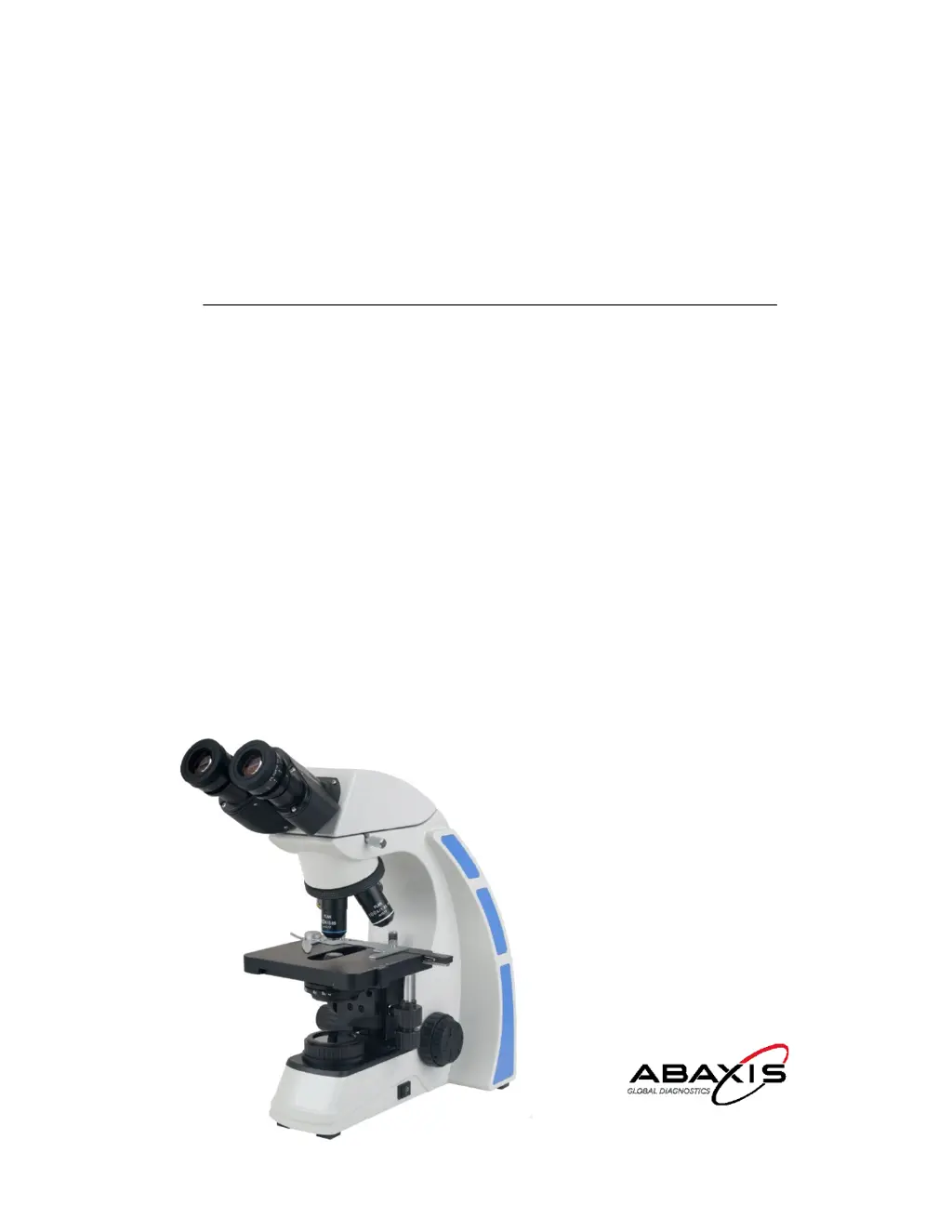
Abaxis V9000T - User Manual

Abaxis V9000T
23 pages
Print Icon
To Next Page IconTo Next Page
Loading...
Operators Manual
V9000T
Trinocular Microscope

Questions and Answers

  • J
    Justin McfarlandAug 18, 2025
    What to do if the Abaxis Microscope lamp does not light up?
    • C
      Carrie MedinaAug 18, 2025
      If the Abaxis Microscope lamp doesn't light up, first, ensure the power cord is properly connected. If it still fails to light, the bulb may be burnt out and require replacement. Finally, check the fuse; if it's blown, replace it.
  • A
    Andrew PerryAug 20, 2025
    Why is the image quality poor on my Abaxis Microscope?
    • A
      Alan RamosAug 20, 2025
      Several factors can cause poor image quality in the Abaxis Microscope. Ensure a 0.17mm cover glass is attached to the slide and that it's the correct thickness. Make sure the slide isn't upside down. If using the 100xR objective, use immersion oil, ensuring there are no air bubbles. Check if immersion oil is on a dry objective and clean if needed. Adjust the condenser aperture and position it slightly lower than the upper limit.
  • L
    Lindsey MataAug 23, 2025
    How to increase brightness on Abaxis Microscope?
    • D
      drussellAug 23, 2025
      If your Abaxis Microscope image is not bright enough, adjust the light intensity using the control dial and/or iris diaphragm. Also, ensure the aperture diaphragm is properly opened and the condenser is positioned slightly lower than the upper limit.
  • R
    Richard PorterAug 26, 2025
    What to do if Abaxis Microscope image will not focus with high power objectives?
    • D
      David NunezAug 26, 2025
      If the Abaxis Microscope image won't focus with high power objectives, ensure the slide is not upside down and that you are using a 0.17mm cover glass.
  • J
    Jordan MartinAug 28, 2025
    How to reduce brightness on Abaxis Microscope?
    • B
      Brian EricksonAug 28, 2025
      If the image in your Abaxis Microscope is too bright, adjust the light intensity by rotating the intensity control dial and/or iris diaphragm.
  • J
    Jennifer WrightAug 30, 2025
    Why does the high power objective of my Abaxis Microscope hit the slide?
    • J
      Jennifer HurleyAug 30, 2025
      If the high power objective on your Abaxis Microscope contacts the slide when changed from a low power objective, ensure the slide is not upside down and that a 0.17mm cover glass is used. Also, readjust the diopter settings as outlined in section 4.3.
  • C
    Cheryl PowellSep 1, 2025
    Why is the image tinged yellow on my Abaxis Microscope?
    • R
      Ryan SharpSep 1, 2025
      If the image on your Abaxis Microscope appears yellow, adjust the light intensity by rotating the intensity control dial and/or iris diaphragm. Additionally, use a daylight blue filter.
  • B
    Brian HicksSep 4, 2025
    Why does the image move when focusing my Abaxis Microscope?
    • M
      Michael KaiserSep 4, 2025
      If the image moves while focusing your Abaxis Microscope, ensure the specimen is secured in the slide holder. Also, make sure the revolving nosepiece is in the click-stop position.
  • N
    nancy62Sep 6, 2025
    How to clean dirt or dust on Abaxis Microscope view field?
    • J
      Jonathan NormanSep 7, 2025
      If you see dirt or dust in the view field of your Abaxis Microscope, clean the lens of the eyepiece, condenser, objective, collector lens, or specimen.
  • M
    Monica JacksonSep 9, 2025
    How to fix slippage of focus on Abaxis Microscope coarse focusing knob?
    • F
      frichardsSep 9, 2025
      If you experience slippage of focus when using the coarse focusing knob on your Abaxis Microscope, increase the tension on the focusing knobs.

Summary

SAFETY NOTES

CARE AND MAINTENANCE

INTRODUCTION

UNPACKING AND COMPONENTS

COMPONENTS DIAGRAM

Diagram showing microscope components.

ASSEMBLY DIAGRAM & PROCEDURE

ASSEMBLY DIAGRAM

Visual guide for assembling microscope modules.

Condenser Assembly

Instructions for installing and adjusting the condenser.

Objective Installation

Procedure for installing objectives onto the nosepiece.

Connecting the Power Cord

Steps for safely connecting the power cord.

ADJUSTMENT & OPERATION

Illumination Adjustment

How to adjust light brightness and voltage.

Installing A Mirror (Optional)

Guide for optional mirror installation.

Placing the Specimen Slide

Instructions for positioning specimen slides on the stage.

Adjusting the Interpupillary Distance

How to set eyepiece distance for clear viewing.

Adjusting the Focus

Steps to achieve sharp focus using coarse and fine adjustments.

Adjusting the Focusing Tension

How to modify the tension of focusing knobs.

Adjusting the Field Diaphragm (Optional)

Adjusting light for contrast and performance.

Adjusting the Aperture Diaphragm

Controlling aperture for brightness, resolution, and contrast.

Using the Oil Objective (100 x)

Procedure for using the 100x oil immersion objective.

Using & Installing A Filter

Guide for filter usage and installation.

Replacing the Fuses

Instructions for safely replacing fuses.

Replacing the LED Bulb

Step-by-step guide for replacing the LED bulb.

TECHNICAL SPECIFICATIONS

Objectives Specification

Details on numerical aperture, parfocal distance, etc. for objectives.

TROUBLESHOOTING

Optical Problems

Common issues related to image clarity and brightness with solutions.

Image Problems

Solutions for issues affecting image quality and color.

Mechanical Problems

Troubleshooting for focus, movement, and illumination issues.

MAINTENANCE

SERVICE

LIMITED MICROSCOPE WARRANTY

Abaxis V9000T Specifications

General IconGeneral
BrandAbaxis
ModelV9000T
CategoryMicroscope
LanguageEnglish