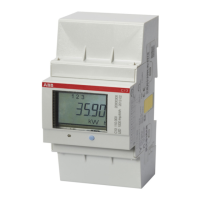
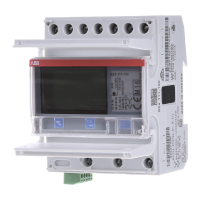
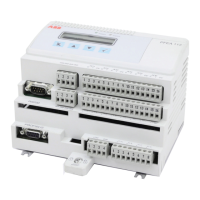
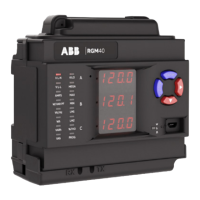
RGM40 METER QUICKSTART GUIDE
Example CT settings:
200/5 amps: Set the Ct-n value as 200,
Ct-S value as 1.
800/5 amps: Set the Ct-n value as 800,
Ct-S value as 1.
2000/5 amps: Set the Ct-n value as 2000,
Ct-S value as 1
10,000/5 amps: Set the Ct-n value as 1000,
Ct-S value as 10.
Example PT settings:
14400/120 volts: Set the Pt-n value as 1440,
Pt-d value as 120, Pt-S value as 10.
138000/69 volts: Set the Pt-n value as 1380,
Pt-d value as 69, Pt-S value as 100.
345000/115 volts: Set the Pt-n value as 3450,
Pt-d value as 115, Pt-S value as 100.
345000/69 volts: Set the Pt-n value as 0345,
Pt-d value as 69, Pt-S value as 1000.
For additional programming instructions for
the faceplate buttons, see chapter 5 in the
RGM40 meter user manual.
—
Program settings
6


 To Next Page