1. Yaron et al. Diabetes Care 2019; 42 (7): 1178-1184. 2. Fokkert, M., et al. BMJ Open Diabetes Research & Care. 2019; 7(1). doi.org/10.1136/bmjdrc-2019-000809.
3. Haak, Thomas, et al. Diabetes Therapy. 2017; 8 (1): 55–73. 4. Bolinder, Jan, et al. The Lancet. 2016; 388 (10057): 2254-2263. 5. The FreeStyle Libre 3 app is only
compatible with certain mobile devices and operating systems. Please check our website www.FreeStyleLibre.de for more information about device compatibility before
using the app. 6. FreeStyle Libre 3 sensors can be read using either the FreeStyle Libre 3 reader or the FreeStyle Libre 3 app. Both devices cannot be used in parallel.
7. Alva S et al. Diabetes Ther. 2023 Mar 6. doi: 10.1007/s13300-023-01385-6. Online ahead of print. 8. Compared to other sensors worn on the body. Data on file.
Abbott Diabetes Care. 9. Compared to other sensors to be attached by the patient. Data on file. Abbott Diabetes Care. 10. Data on file. Abbott Diabetes Care.
11. Placement of a sensor requires insertion of the sensor filament under the skin. The sensor can be worn for up to 14 days. 12. Alarms are off by default and must be
turned on. 13. LibreView is a cloud-based application. The LibreView website is only compatible with certain operating systems and browsers. For more information,
visit www.LibreView.com. 14. The use of LibreLinkUp requires registration with LibreView. 15. Sharing glucose data requires registration with LibreView. 16. You have the
option to accept the LibreLinkUp invitation to receive notifications and alerts or to decline them. You should make this decision based on your knowledge and experi-
ence to respond appropriately when receiving a high or low glucose reading. 17. The transfer of data between the apps requires an Internet connection. 18. 60-minute
warm-up required when starting the sensor. 19. Additional testing of glucose levels using a blood glucose meter is required if symptoms are not consistent with the
readings or the alarms of the system. 20. Bandage or tape for fixation must be applied when attaching the sensor, the hole in the center of the sensor must not be cov-
ered. 21. CAUTION: DO NOT press the sensor applicator onto the skin until it is over the prepared area to avoid accidental misplacement or injury. 22. NOTE: When
you attach the sensor, bruising or bleeding may occur. Remove the sensor if bleeding continues and attach a new sensor in a different location. 23. Compared to reader
users. 24. Kao, Kalvin et al. “Comparison of Glucose Metrics Between Users of CGM Readers and CGM-Connected Apps.” Journal of diabetes science and technology
vol. 16,1 (2022): 259-260. doi:10.1177/19322968211044141. 25. The signal loss alarm is automatically activated when a glucose alarm is turned on for the first time. The
signal loss alarm can be turned off and on again at any time. 26. To receive alarms from the FreeStyle Libre 3 app to your smartwatch, the alarm function must be turned
ON, the phone must be connected to the smartwatch, and both devices must be configured to receive notifications to provide alarms. 27. Compatible smartwatches
are those that support notification mirroring. Please visit www.FreeStyleLibre.de to learn more about smartwatch compatibility. 28. The sensor is waterproof in up to 1
m water depth for up to 30 minutes. 29. Battelino, T., et al. Diabetes Care. 2019; 42(8): 1593-1603. 30. Lang, J., et al. Poster session ATTD19-0299 ATTD Berlin,
Germany; 2019. 31. LibreView data is transferred to a virtual non-public network and hosted on a SQL server database. The data is encrypted at file level. The encryption
and type of key storage features prevent the cloud hosting provider (Amazon Web Services) from viewing the data. When using LibreView in Germany, the data is hosted
on servers in Germany. Access to the respective user accounts is password protected. 32. The practice ID is a unique 8- to 16-digit code. This code is generated as soon
as your healthcare provider or a person from the practice team activates the practice function of the LibreView Professional account. If the LibreView Practice ID is
not known, it can be requested in the Practice Information section after logging into the LibreView Professional account. 33. Glucose alarms from connected users are
transmitted to the LibreLinkUp app when the sensor is started with the smartphone and alarms are enabled in the FreeStyle LibreLink app / FreeStyle Libre 3 app.
34. FreeStyle plus Ich is not a substitute for therapeutic advice from your healthcare providers. 35. For people with type 1 or type 2 and intensified insulin therapy. The
decision of a health insurance company to cover the cost of a FreeStyle Libre system is a case-by-case decision. A health insurance company may also refuse to cover
the costs if the conditions for coverage are not met in the individual case. 36. Most private health insurances reimburse the costs of FreeStyle Libre depending on the
plan or insurance conditions. It is best to check with your health insurance provider in advance for reimbursement requirements.
Discuss Your Personal Records With Your Healthcare
Providers
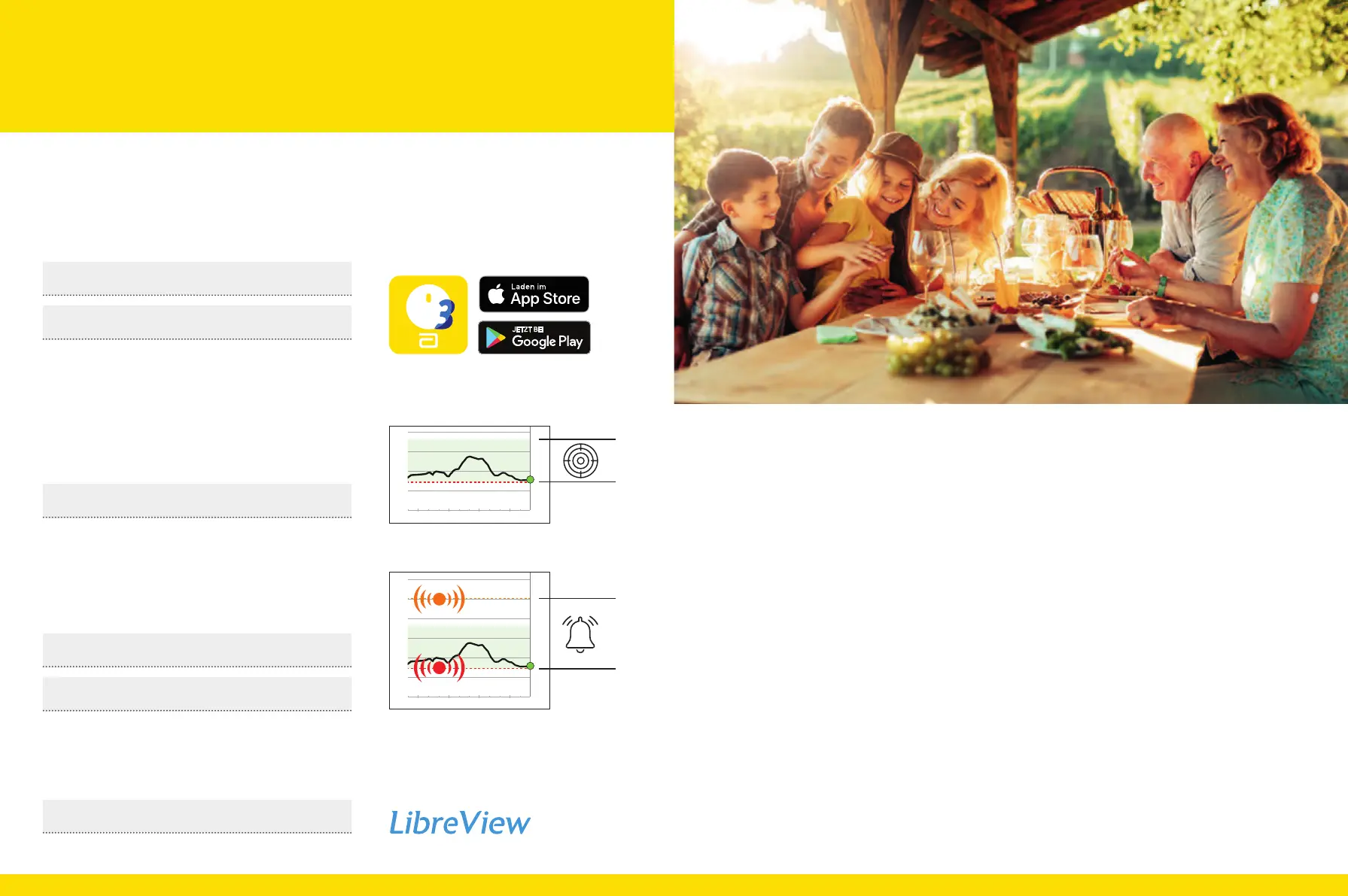
My login information for the app
5
and
LibreView
13
Note the email address you use and your password here. Your log-
in data for the FreeStyle Libre 3 app and LibreView are identical.
My glucose target range
Enter your personal glucose target range here, in consultation
with your healthcare providers.
Note: Your individual glucose target range does not correspond to
your alarm limits.
My alarm limits
Enter your personal alarm limits here after consulting with your
healthcare providers:
High glucose:
Low glucose:
My practice‘s Practice ID
32
You can obtain the practice ID from your healthcare providers.
Download the FreeStyle Libre 3 app
for free
Register for free at:
www.LibreView.com
!"#$!
!"#$%&'$!%()*+,!
!"
"#
"$
%&'%()*+,-./*01*2'3*"4*/05&
"!
6
7
8
"#3=="$3=="!3===63==
+-(."/,0,1#&23-4&%(&!$,41$+
99:;<+567
"#
"$
%&'%()*+,-./*01*2'3*"4*/05&
"!
6
7
8
"#3=="$3=="!3===63==
+-(."/,0,1#&23-4&%(&!$,41$+
99:;<+567
5958


 To Next Page
 Loading...