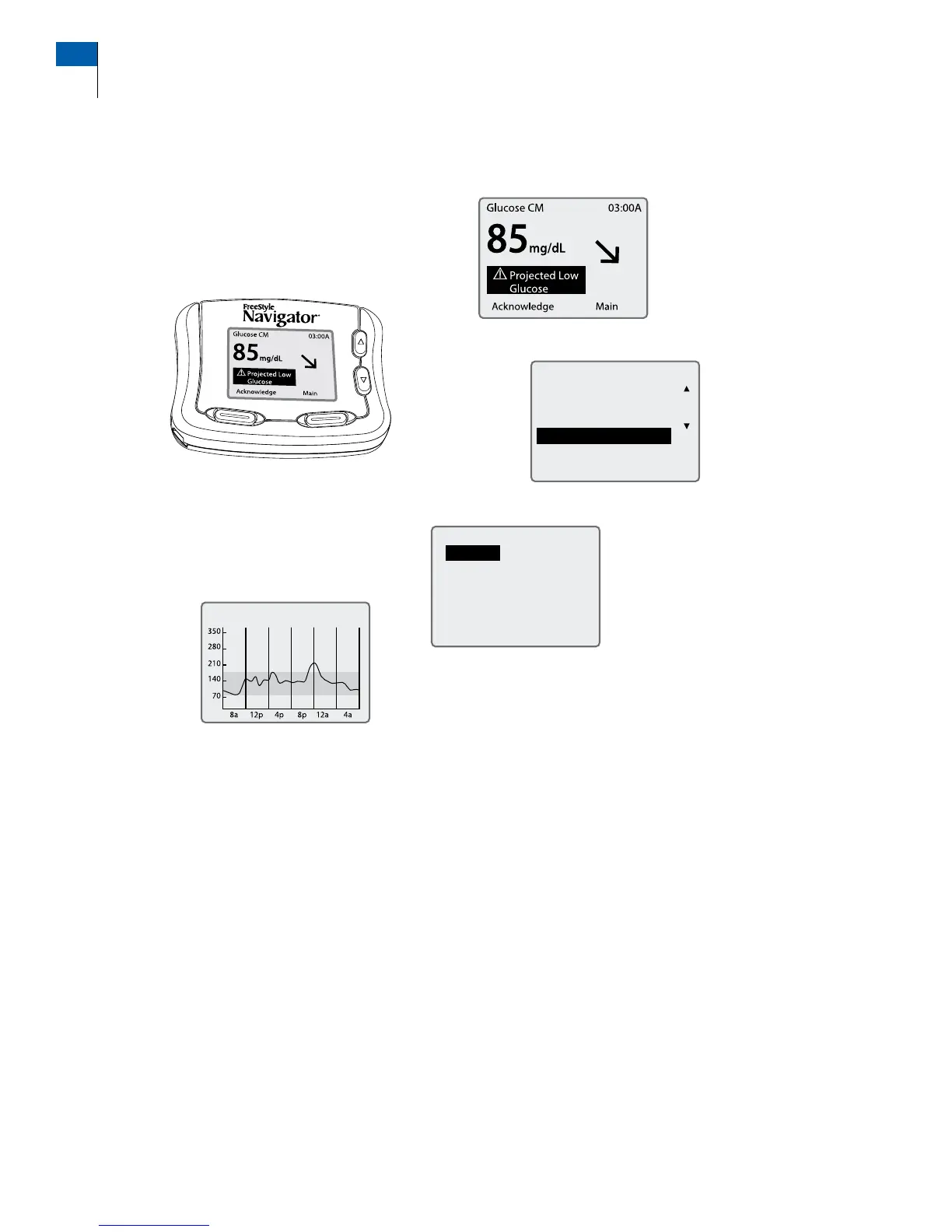
Your receiver comes with backlight capability to see the screen in dark environments. e backlight
can be turned on by pressing and releasing the DOWN Arrow button and then pressing and releasing
the RIGHT Option button.
For more details on the dierent symbols and icons on the screen, see Section 9 on “Daily Use”.
Key features of the System
Statistics
Alarms
Event Log
Line Graph
Customer Care: 1-866-597-5520
4 Section 1
Getting Acquainted















 To Next Page