Steps Do This
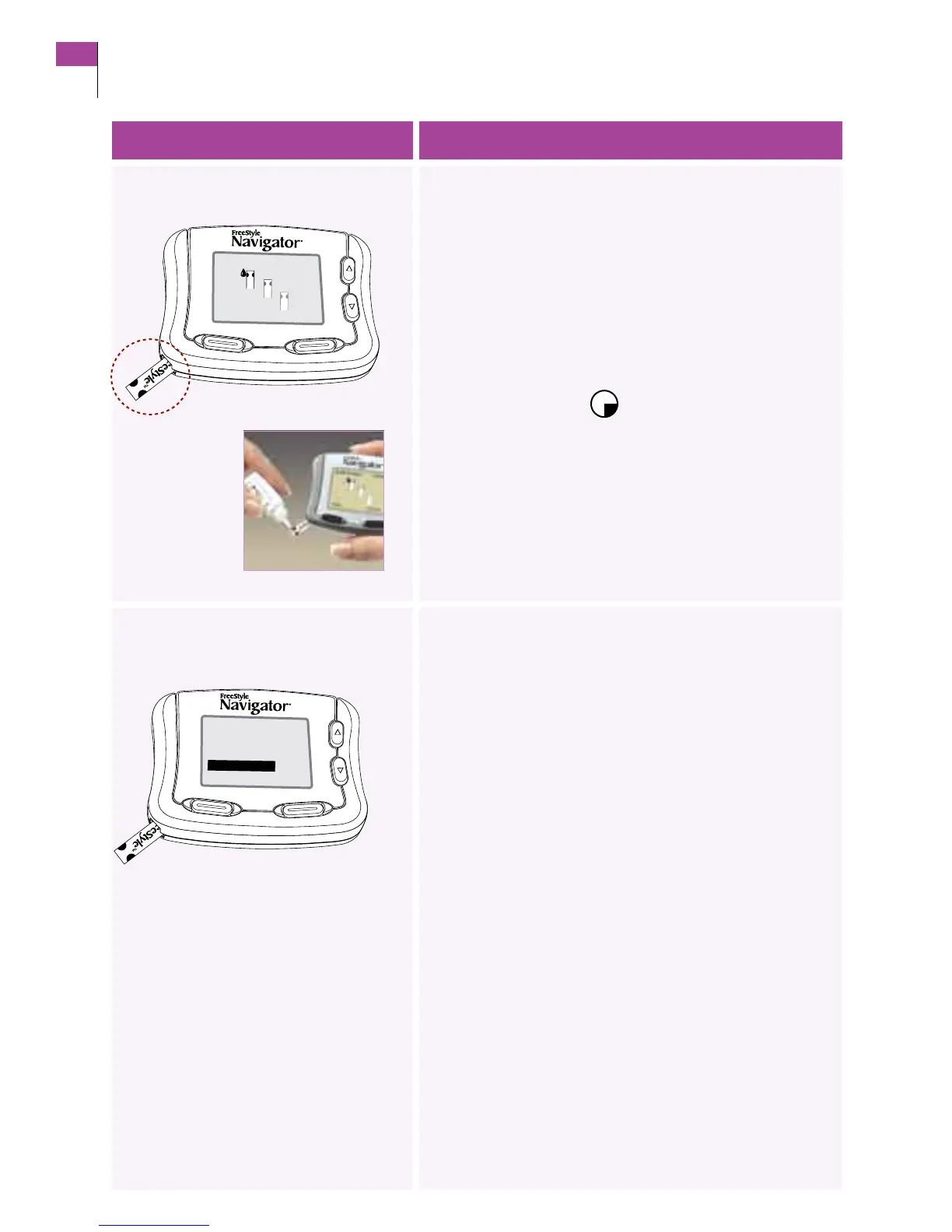
5. Apply control solution.
Important: Do NOT apply control solution to both edges of
the test strip.
Notes:
• GentlytouchONLY ONE EDGE of the test strip to the
control solution next to one of the dark half-circles.
•Ifprogress tones are turned on, the receiver will beep to
indicate that enough control solution was applied.
Result: A stopwatch
will appear on the display
screen while the receiver measures the control solution.
• ereceiver will beep twice when the test results appear.
6. Conrm that you used a
control solution.
Press the LEFT Option button (Yes) to alert the receiver
that you used a control solution for this test.
Note: If you do NOT select yes, the system will record the
result as a blood glucose result instead of a control solution
result, which can result in an incorrect statistical report.
Go to the next step.
Customer Care: 1-866-597-5520
30 Section 4
Perform a Control Solution Test















 To Next Page