15
OVER
15 Reset User Settings
Purpose To reset the user settings to the default values.
Start Do this procedure anytime you feel a need to return your settings to the factory
defaults.
Materials Your FreeStyle Navigator Receiver.
Helpful Information
• If you don’t press any button within 12 seconds, the receiver screen will go blank and the last
change will be lost if you haven’t pressed the Select button.
• Becarefultoavoidmakingunintentionalchangestothesystemsettingsandconguration.
• Resettingusersettingsresetsthefollowingitemstotheirdefault.Note: e units of glucose
cannot be changed. [e default values are shown in brackets]:
Steps Do This
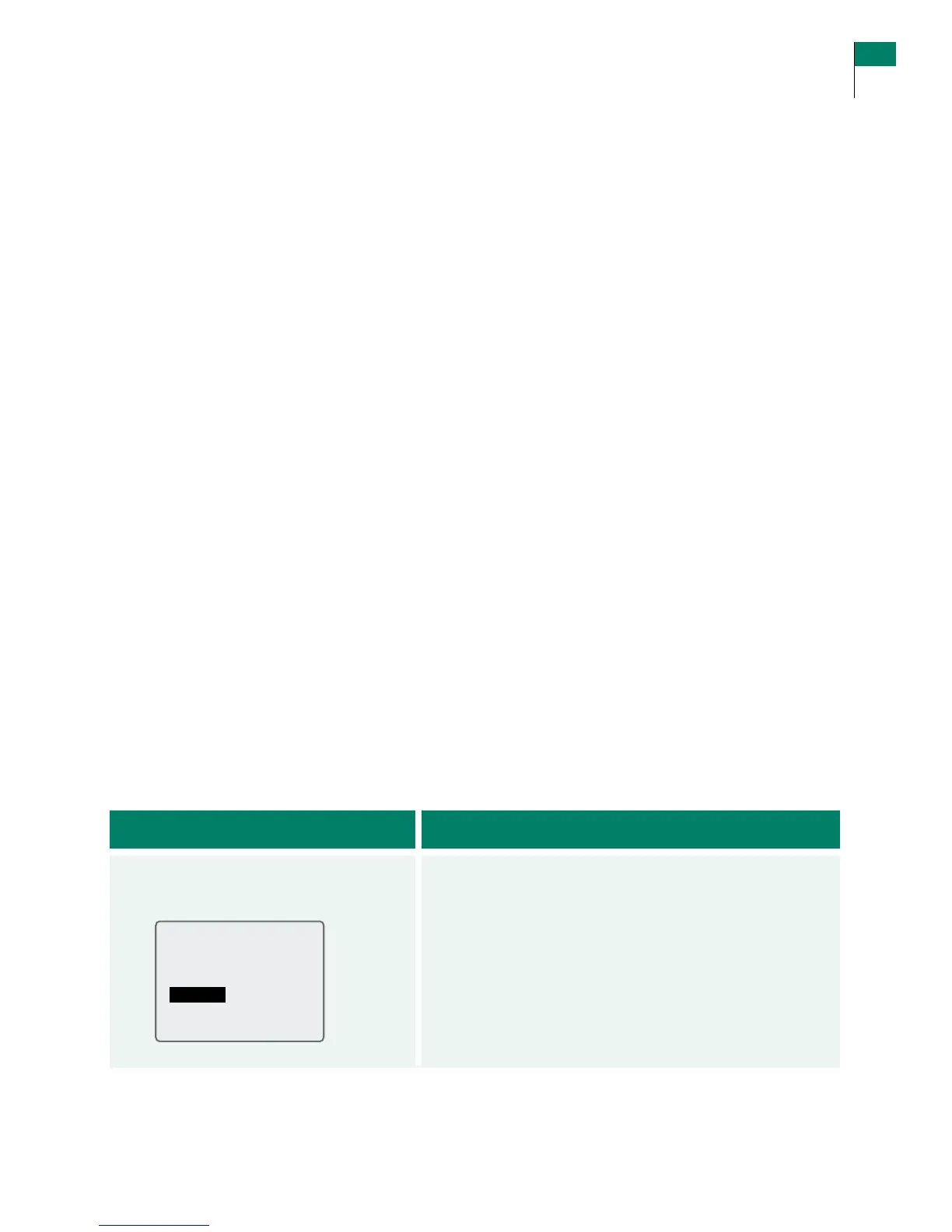
1. Access the System menu
from the Main menu.
a. Press the UP or DOWN Arrow button to highlight
System.
b. Press the RIGHT Option button (Select) to go to the
System Menu screen.
•HighGlucoseTarget.
[180 mg/dL (10 mmol/L)]
•LowGlucoseTarget.
[80 mg/dL (4.4 mmol/L)]
•AlarmSettings:[Med Beep]
– On/O
– Low beep
– Medium beep
– High beep
– Short vibe
– Medium vibe
– Long vibe
– Alarm resholds
• Country Settings: [Local settings]
– Date format – Language
– Time format – Decimal format
•DisplaysfortheitemsintheAddEventmenu:
– Insulin type [Rapid] – Exercise intensity [Medium]
– Insulin dose [1 unit] – State of Health [Normal]
– Exercise type [Walking] – Generic Event [1]
– Exercise duration [30 min.]
•StripCalcode. [18]
•SensorCode.[109]
•LowGlucoseAlarm.
[65 mg/dL (3.6 mmol/L)]
•HighGlucoseAlarm.
[300 mg/dL (16.7 mmol/L)]
Section 15 137
Reset User Settings















 To Next Page