Steps Do This
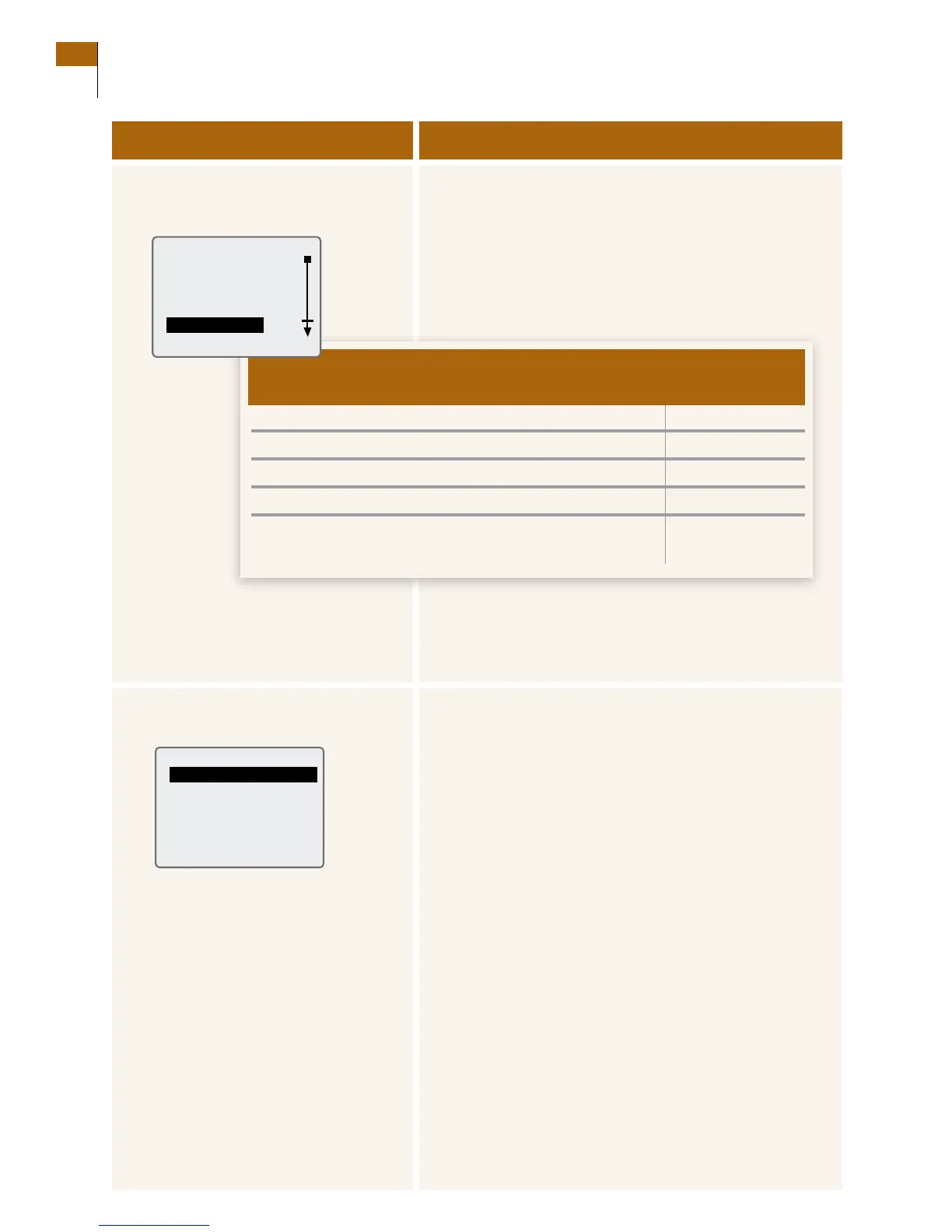
2. Access the Country Settings
menu.
a. Press the UP or DOWN Arrow button to highlight
Country Settings.
b. Press the RIGHT Option button (Select) to go to the
Country Settings screen.
c. Decide what you want to do:
d. Press the LEFT Option button (Back) twice to return to
the Main menu.
e. Go to Step 7 to check your work.
3. Change the Language.
a. Use the UP or DOWN Arrow button to highlight
Language.
b. Press the RIGHT Option button (Select) to go to the
Select Language screen.
c. Use the UP or DOWN Arrow button to highlight the
language that you want to use.
d. Press the RIGHT Option button (Set) to accept your
selection.
Result: e Country Settings screen is displayed.
e. Go to Step 2c to decide what to do next.
•Language. 3
•Date. 4
•Time. 5
•Decimals. 6
•Noneoftheabove.
(you are done changing the country settings.)
2d
If you want to change how en go
this is displayed to Step
Customer Care: 1-866-597-5520
142 Section 16
Change Country Settings















 To Next Page