OVER
Steps Do This
6. Test the sample. Do Not:
•Useteststripsmorethanonce.Discardusedteststrips.
•Scrape the blood.
•Applybloodtotheatsideoftheteststrip.
•Applybloodtotheteststripwhenthe test strip is out of
the receiver.
•Apply blood to both edges of the test strip.
•Putbloodorforeignobjects into the receiver’s test
strip port.
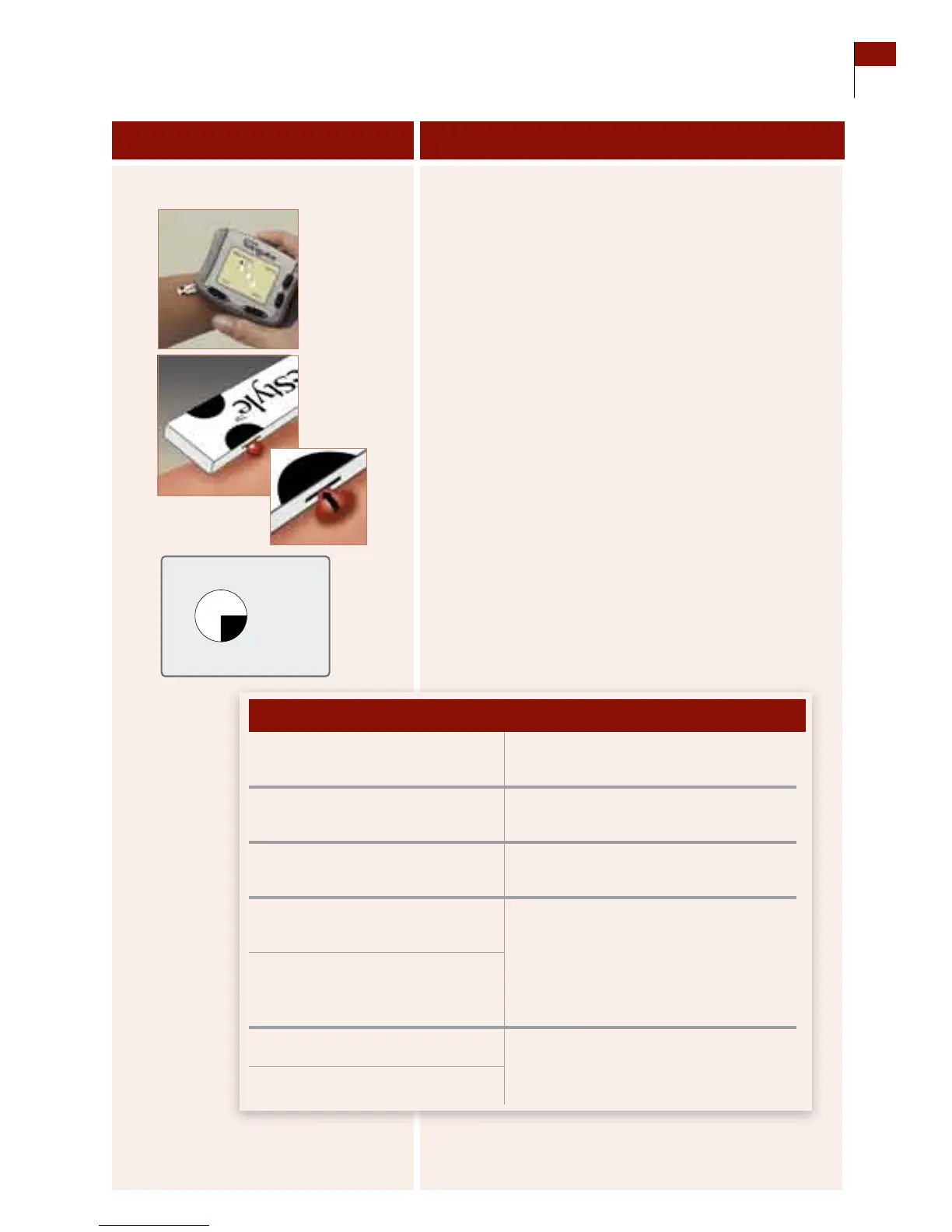
a. Holding the receiver at a slight angle to the sample, gently
touch the half-circle on the test strip to the sample.
Important: Your blood glucose level must be between 60 and
300 mg/dL (3.3 and 16.7 mmol/L) to be able to perform
calibration tests. If your blood glucose level is changing
rapidly, you may not be able to calibrate the system.
b. Observe the receiver:
•estopwatchicondoesNOT
appear within 5 seconds.
Continue adding blood sample to the
SAME half-circle for up to 60 seconds.
•ereceiverBEEPS ONCE (only
if Progress Tones are turned on).
Enough blood has been used.
•estopwatchiconappears. e receiver is measuring your blood
glucose level.
•ereceiverBEEPS TWICE (only
if Progress Tones are turned on).
e test is done. Go to Step 7.
•Yourbloodglucoseresultsappear
in the display (takes an average of
7 seconds).
•ereceiverbeepsthreetimes. e test has failed. Repeat the test.
Refer to Section 10 for error messages
and troubleshooting.
•Yougetanerrormessage.
If en
Section 7 61
Calibrate Your System/Test Blood Glucose Manually















 To Next Page