END OF Section 7
Steps Do This
9. Remove and discard the test strip. Important: Test strips may be used only once. Discard used
test strips.
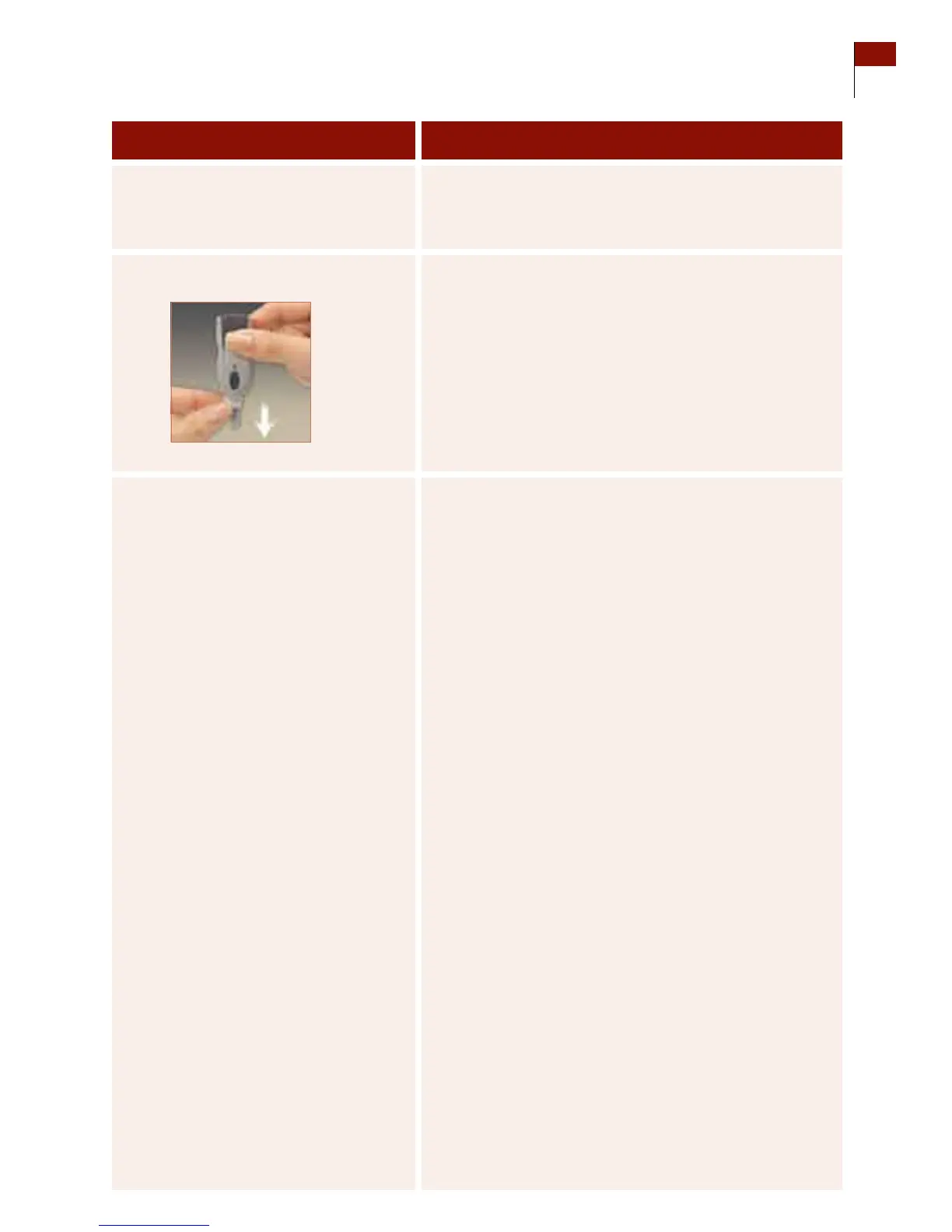
10. Discard the lancet. Note: Use a sealed container such as a sharps container
to avoid biohazards.
a. Snap o the cap from the lancing device.
b. Hold the lancet over a sharps container or other
puncture-proof container with a lid.
c. Pinch the white clip that holds the lancet until the
lancet falls into the container.
11. Check your work. Result: A properly calibrated receiver. You have done this
procedure correctly when:
o
Your hands and the test site have been cleaned with
soap and water and thoroughly dried with a clean towel.
o
e code number in the receiver matches the code
number for the test strips.
o
e test site for calibration was a nger.
o
e test site for manual blood glucose testing was
selected from any of the other test sites shown in Step 3
of this Section.
o
You used your nger, if you have hypoglycemia
unawareness.
o
You used the grey cap on the lancing device for a nger
site. Or, you used the clear cap on the lancing device
for a forearm site.
o
e lancing produced an adequate amount of blood
without smearing.
o
You followed all of the notes in Step 6 when testing
the blood.
o
You interpreted the test results according to Step 7.
o
You selected NO in response to the receiver’s inquiry,
“Control Solution?”
o
You disposed the lancet in a sharps container or in a
puncture-proof sealed container.
Section 7 63
Calibrate Your System/Test Blood Glucose Manually















 To Next Page