SECTION 7
38
i-STAT
Alinity — Quick Reference Guide Art: 731848-01 Rev. M Rev. Date: 25-Jul-2022
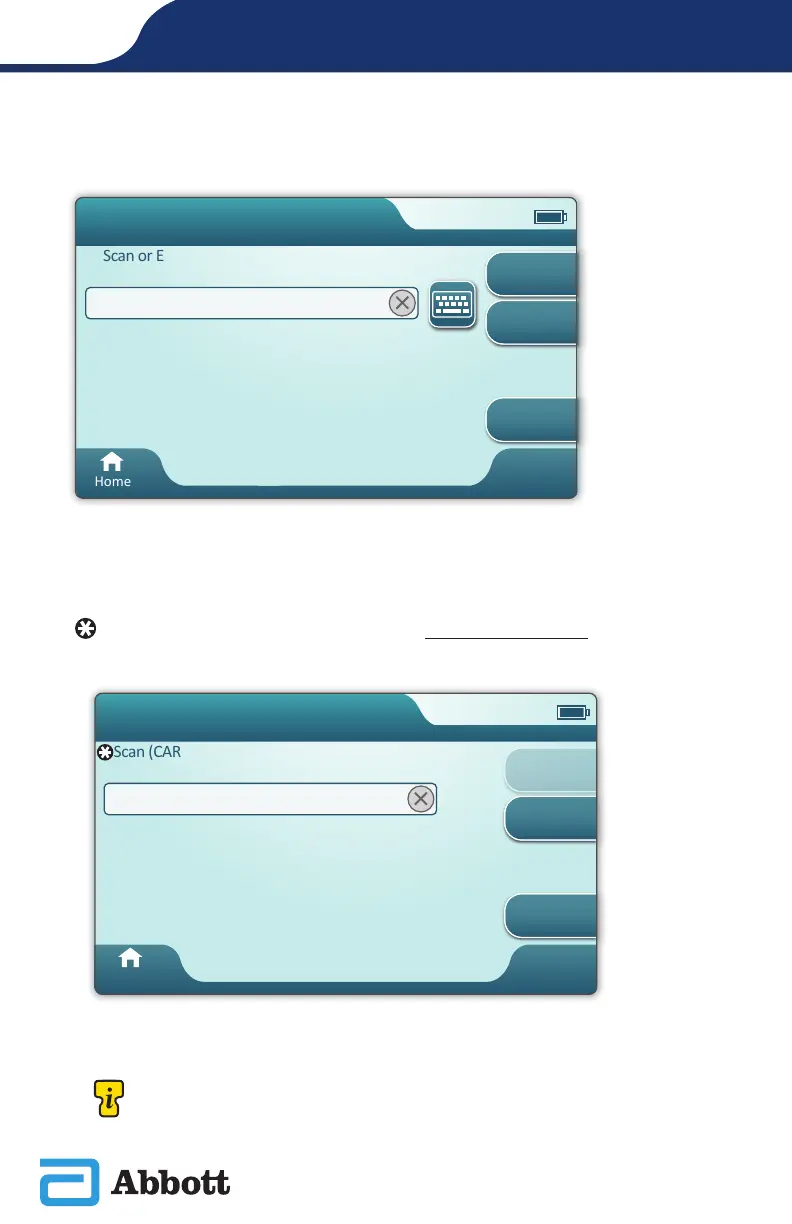
Scan or Enter PATIENT ID
Scan or Enter PATIENT ID
Home
Next
View
Entered Info
Previous
Pa�ent Test
The screens that follow represent a typical workow. Continue to follow prompts
on the screen if they differ from those shown here.
Scan (CARTRIDGE POUCH) Barcode. Scanning is required. You must scan
the barcode. This information cannot be entered manually.
Scan (CARTRIDGE POUCH) Barcode
Home
View
Entered Info
Next
Previous
Pa�ent Test
Pt: 123456
If an Invalid Cartridge Type window is displayed, contact the
System Administrator.












 To Next Page