3.4.2 Cold Start
(1) User can start-up UPS by battery when main input power is not available.
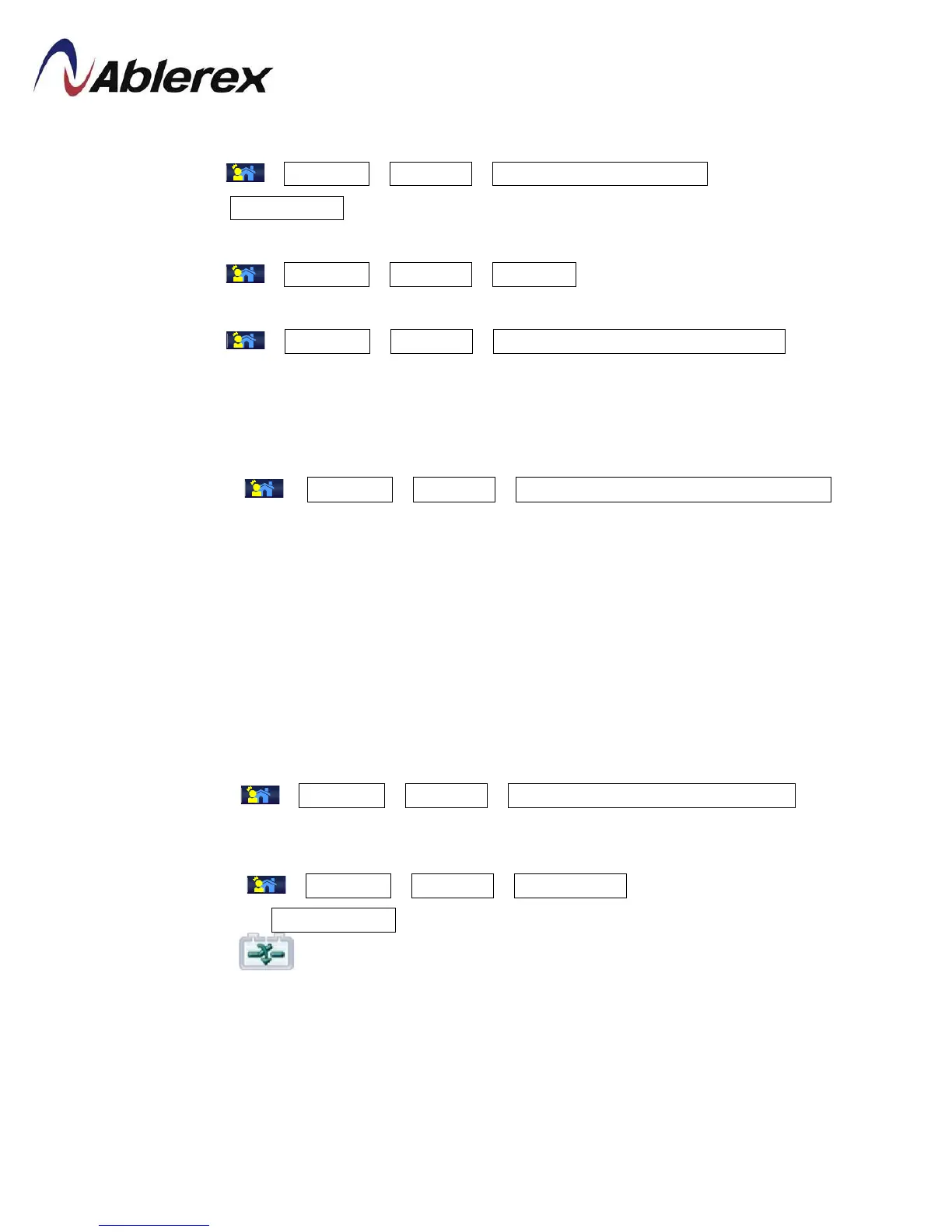
(2) Select →Command→Operation→Cold start precharge ready on LCD display.
(3) Select Normal mode to start UPS.
3.4.3 Shutdown
(1) Select →Command→Operation→Shutdown on LCD display.
3.4.4 Switch to bypass
(1) Select →Command→Operation→Shutdownconverter except bypass on LCD
display.
(2) The Inverter will be shutdown and bypass will supply the power to the load. If the
battery is disconnected, Rectifier and Charger will be shutdown as well.
3.4.5 Switch from normal mode to maintenance bypass
(1) Select →Command→Operation→Shutdown converter except bypass on
LCD display.
(2) The Inverter will be shutdown and bypass will supply the power to the load
(3) Open the Main Input and Battery Switches
(4) Close the maintenance bypass switch
(5) Open Output and Bypass switch
(6) Wait at least for 10min
3.4.6 Maintenance bypass → normal mode
(1) Close Output, Mains Input and Bypassswitches
(2) Select →Command→Operation→Shutdown converter except bypasson LCD
display.
(3) Open maintenance bypass switch
(4) Select →Command→Operation→Normal mode on LCD display.
(5) Return to Mimic Display. Wait for few minutes, the rectifier will be start and the
icon will show you when can close the Batteryline switch/fuses to connect
the batteries.
46
192321262008007








 To Next Page