Service hotline:400-700-3278
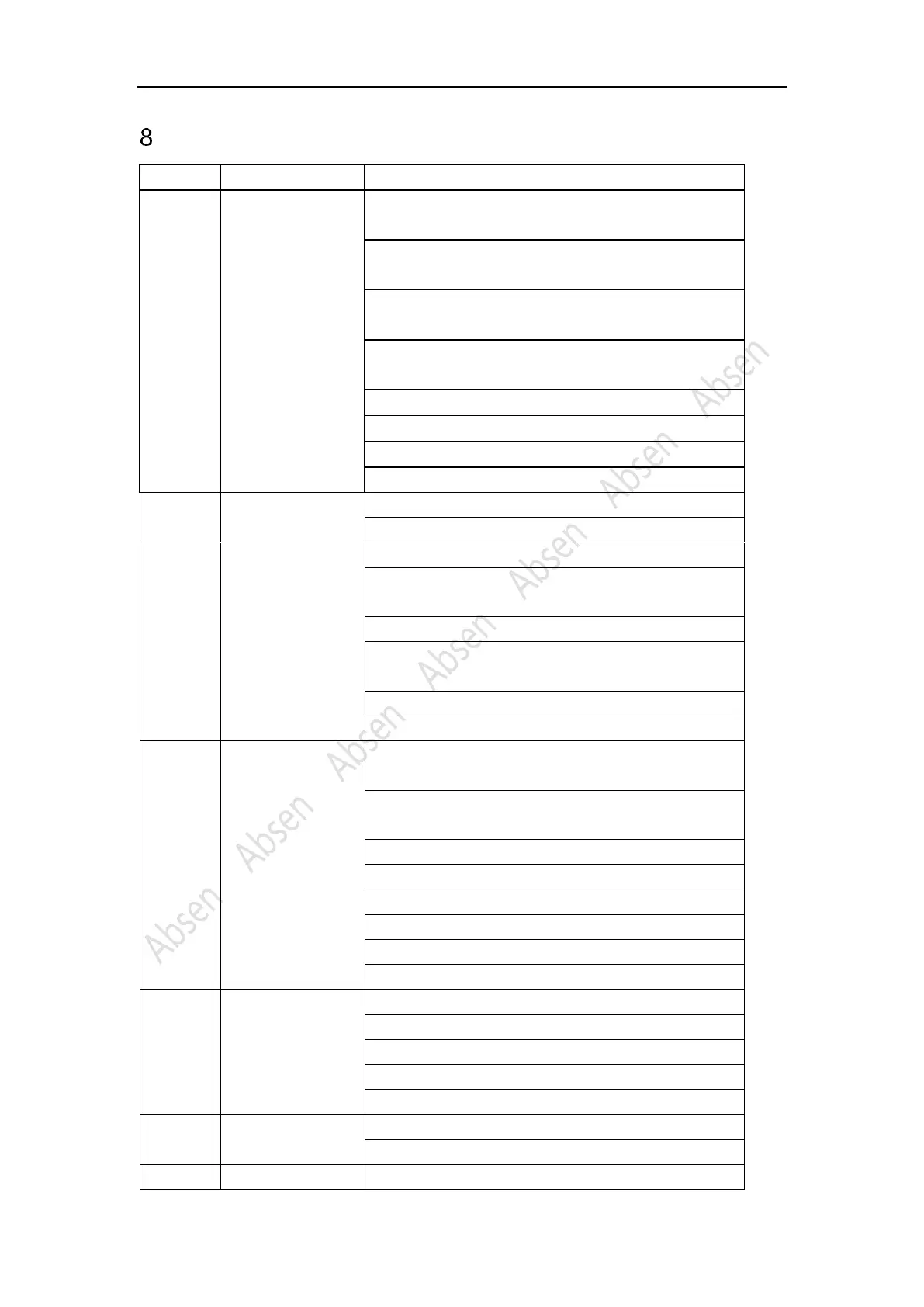
Common faults and troubleshooting
1. Check whether the power plug of the corresponding module
is tightly inserted;
2. Check whether the power cable of the corresponding module
is burnt out;
3. Check whether the switch power supply of the corresponding
module has no output;
4. Check whether the flat cable of the corresponding module is
malfunctioning;
5. Replace the flat cable of the corresponding module;
7. Replace the receiving card;
The whole screen is
black
1. Check whether the screen power is on;
2. Check whether the DVI cable or HDMI cable is loose;
3. Check whether the main data cable is inserted tightly;
4. Check whether the sending card is powered on and whether
the running indicator is flashing;
5. Replace the sending card;
6, Connecting the computer to an LCD display, check whether
there is output on video card;
7. Update the video card driver;
Whole screen
pixelated/blurred
1. Check whether the power plug of the receiving card is tightly
inserted;
2. Check whether the power cable of the receiving card is burnt
out;
3. Check whether the power supply has no output;
4. Check the data cable of the receiving card;
5. Replace the data cable;
7. Upgrade the firmware version of the receiving card;
8. Replace the receiving card;
Chromatic aberration
between modules
1. Check whether the module power plug is plugged tightly;
2. Replace the flat cable;
3. Replace the power supply;
5. Replace the receiving card;
All panels display the
same content
1. Set the screen connection on software;
2. Check whether the data port is wrong.


 To Next Page
 Loading...