27
English
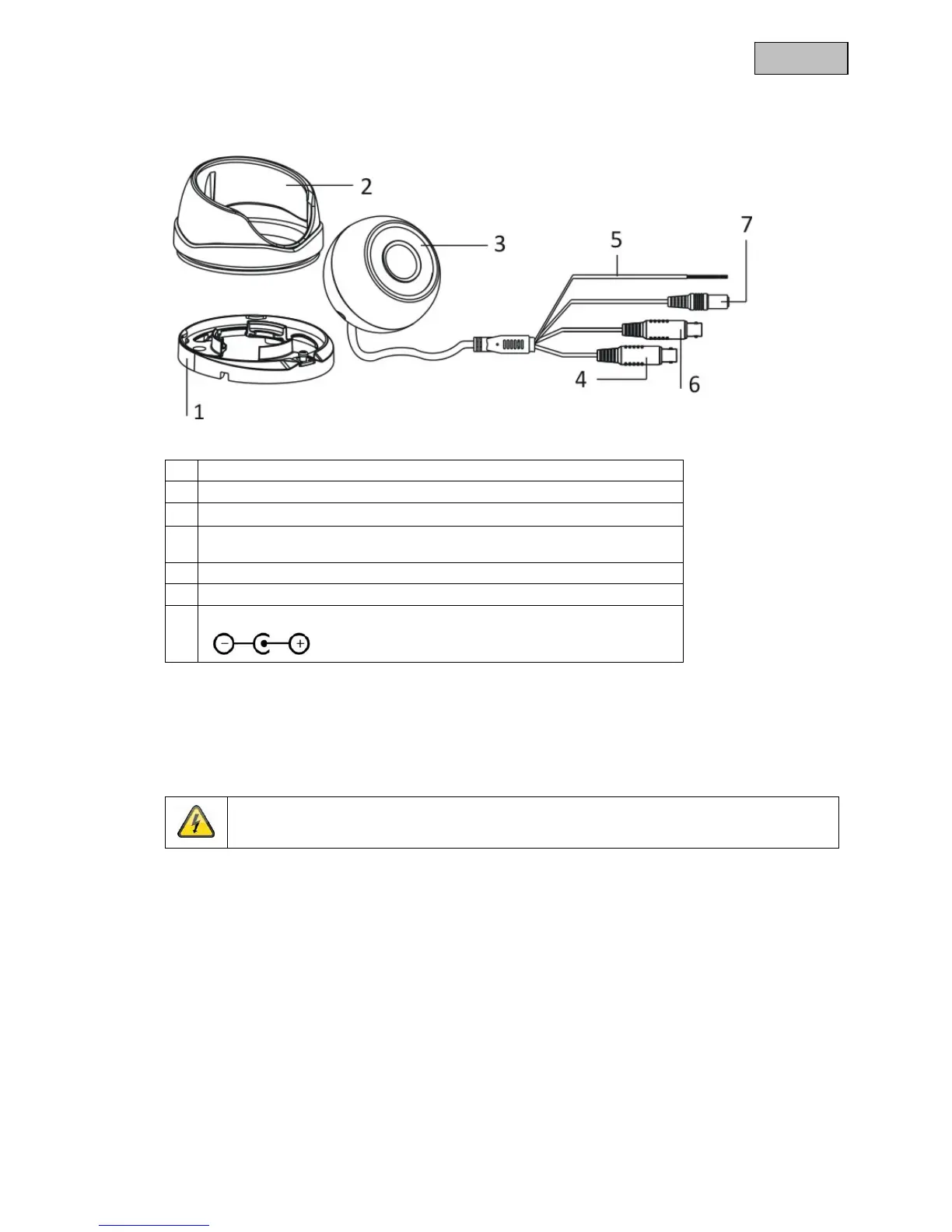
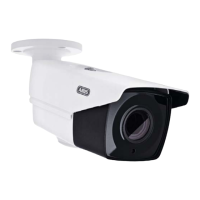
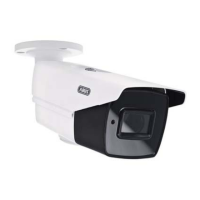
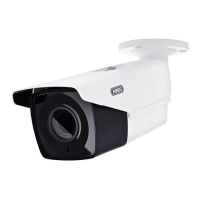
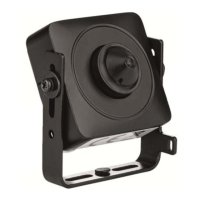
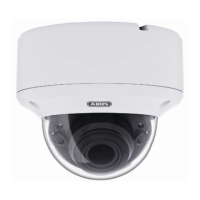
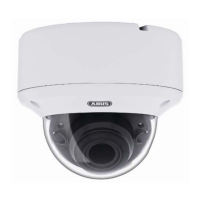
4. Camera description
1 Camera base plate
2 Camera cap
3 Camera centre section
4 Analogue video output (BNC, for service purposes, labelled 'CVBS', only
if WDR function is off)
5 Connecting cable with function: WDR on/off
6 HD-TVI video output (BNC, labelled 'TVI')
7 Power supply connection (5.5 x 2.1 mm, barrel connector)
5. Mounting/installation
5.1. Mounting the camera
IMPORTANT!
The camera must be disconnected from the power supply during installation.
Loosen the fixing screws on the camera cap and remove them. Use the accompanying drilling
template for drilling the mounting holes.
If the cable is to be routed through the side, first guide the connecting cable through the base plate and
the side opening on the base plate.
Now fix the base plate in place.


 To Next Page