EasyManua.ls Logo

Abus PPDF16000 - Live View

Abus PPDF16000
30 pages
Print Icon
To Next Page IconTo Next Page
To Previous Page IconTo Previous Page
Loading...
28
English
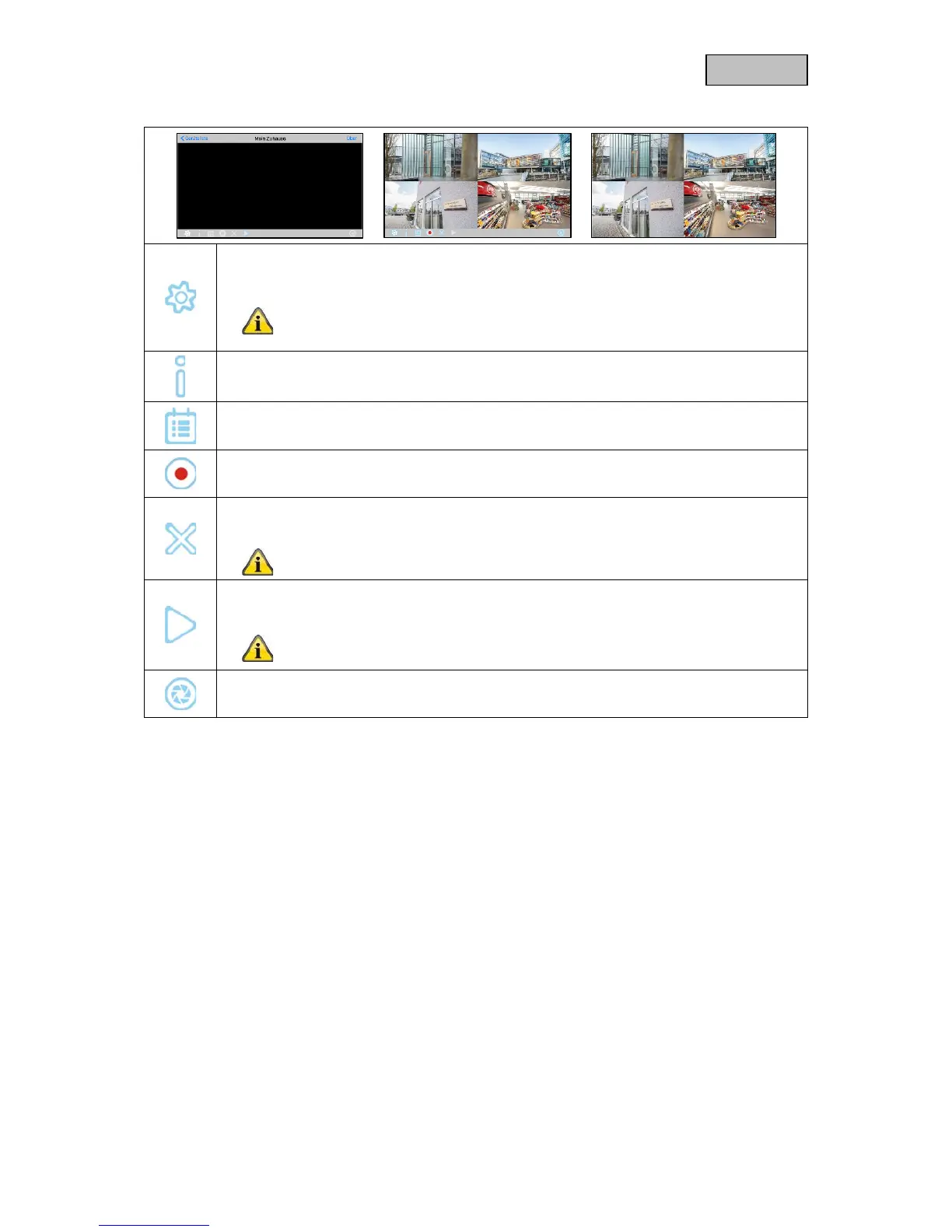
8.6. Live view
Settings
Opens the settings.
Please note that when accessing the settings via the app, the device will
not locally display live images until the settings have been exited via the
app.
Push notification
Opens the push notification menu.
Event list
Opens the event list.
Manual recording
Starts manual recording of the cameras.
Cancel connection
Cancels the connection.
The device list can only be accessed once the connection is cancelled.
Establish connection
Here you can establish a connection to the device.
Please note that the live image display will not work in the app if a menu
is open locally on the device.
Snapshot
Take a snapshot of all available cameras.

Other manuals for Abus PPDF16000

Related product manuals