10
2.3. Exclusion / Remove Device
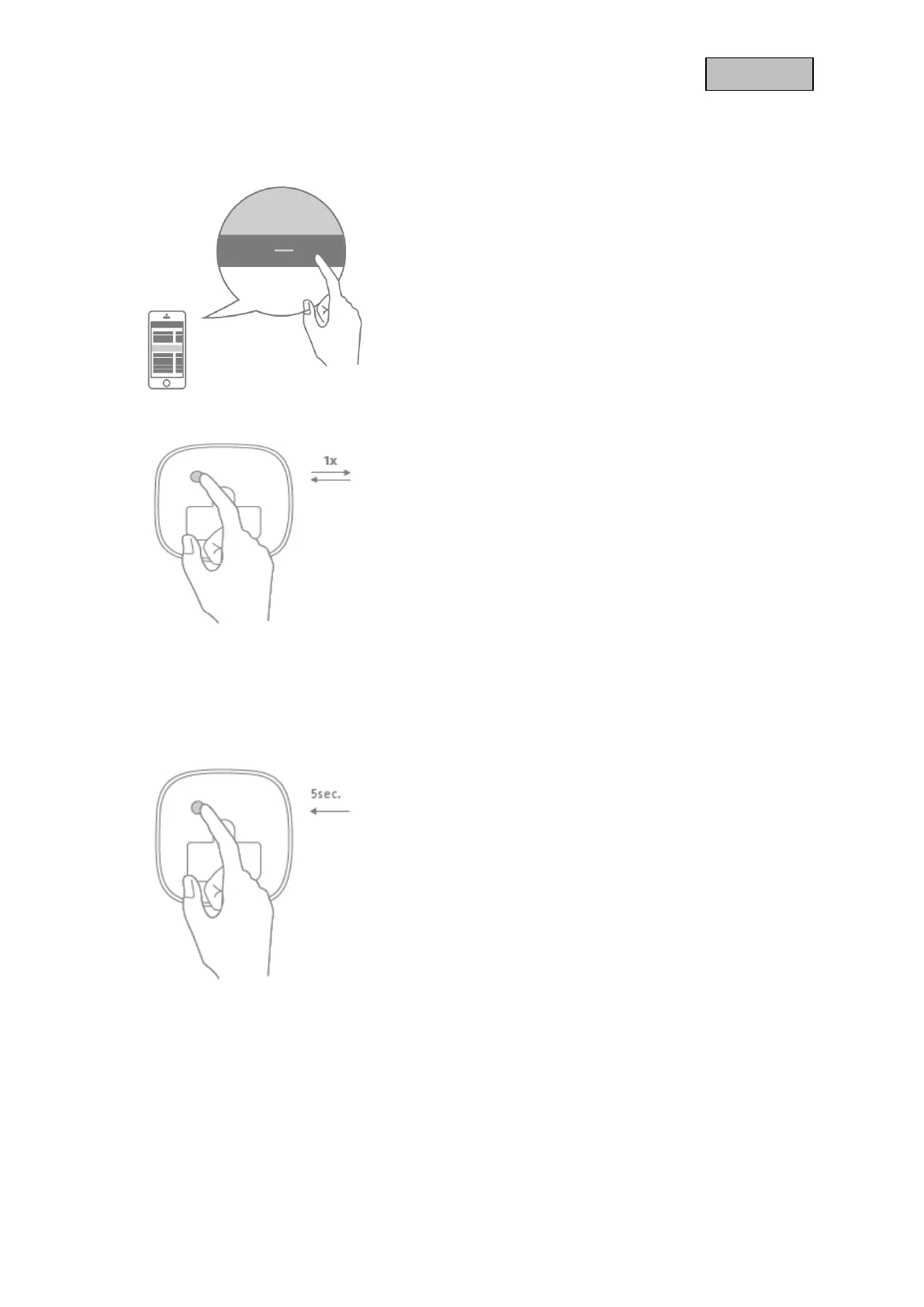
Click the - (Remove) button in your Z-Wave App and
follow the further instructions
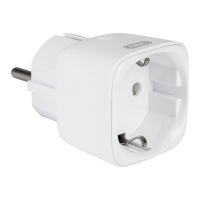
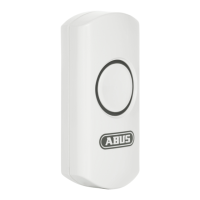
Press the Button on the device once.
The App will show if the Remove device process was
successful.
Repeat the exclusion process if it was not successful.
2.4. Reset (Factory-Reset)
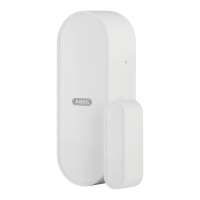
Keep pressing the Button on the device for more than
5 seconds (the flash interval of the Status LED is now
accelerated)
The device is now restored to factory settings
Note:
This procedure should only be used if the primary
gateway is not capable of acting.
If the device is set to the factory setting, the status is
set to "not included", the association settings and
possible configurations are reset to default.


 To Next Page