8
2. Overview of functions
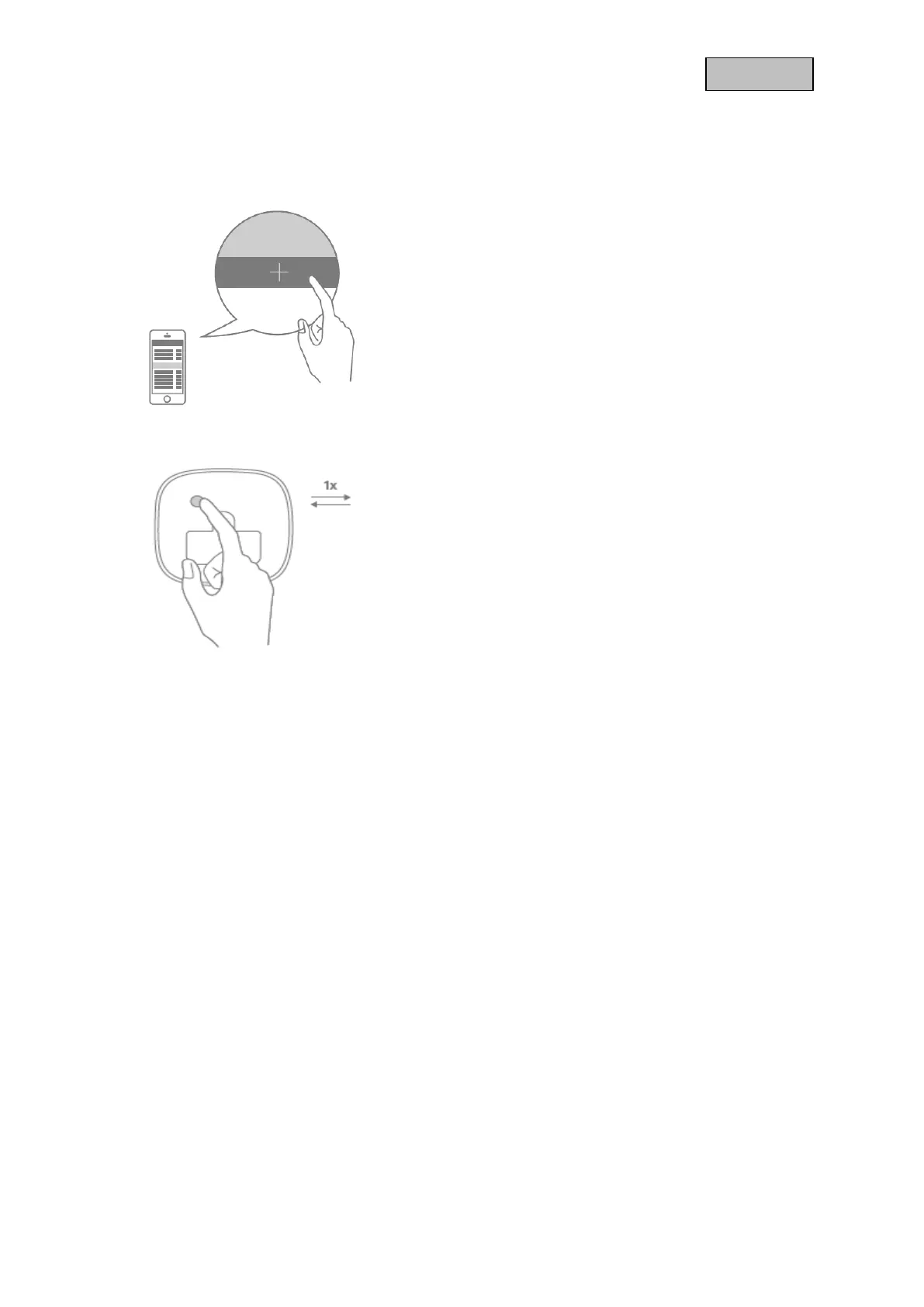
2.1. Inclusion / Add Device
Click the + (Add) button in your Z-Wave App and follow
the further instructions
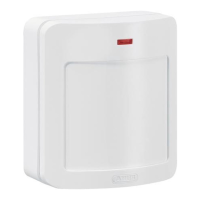
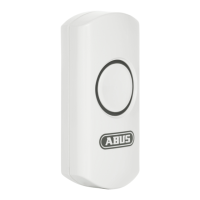
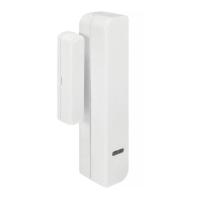
Press the Button on the device once.
The App will show if the Add device process was
successful. The Status LED will light up for 2 seconds.
Repeat the inclusion process if it was not successful.


 To Next Page