Configuration
88
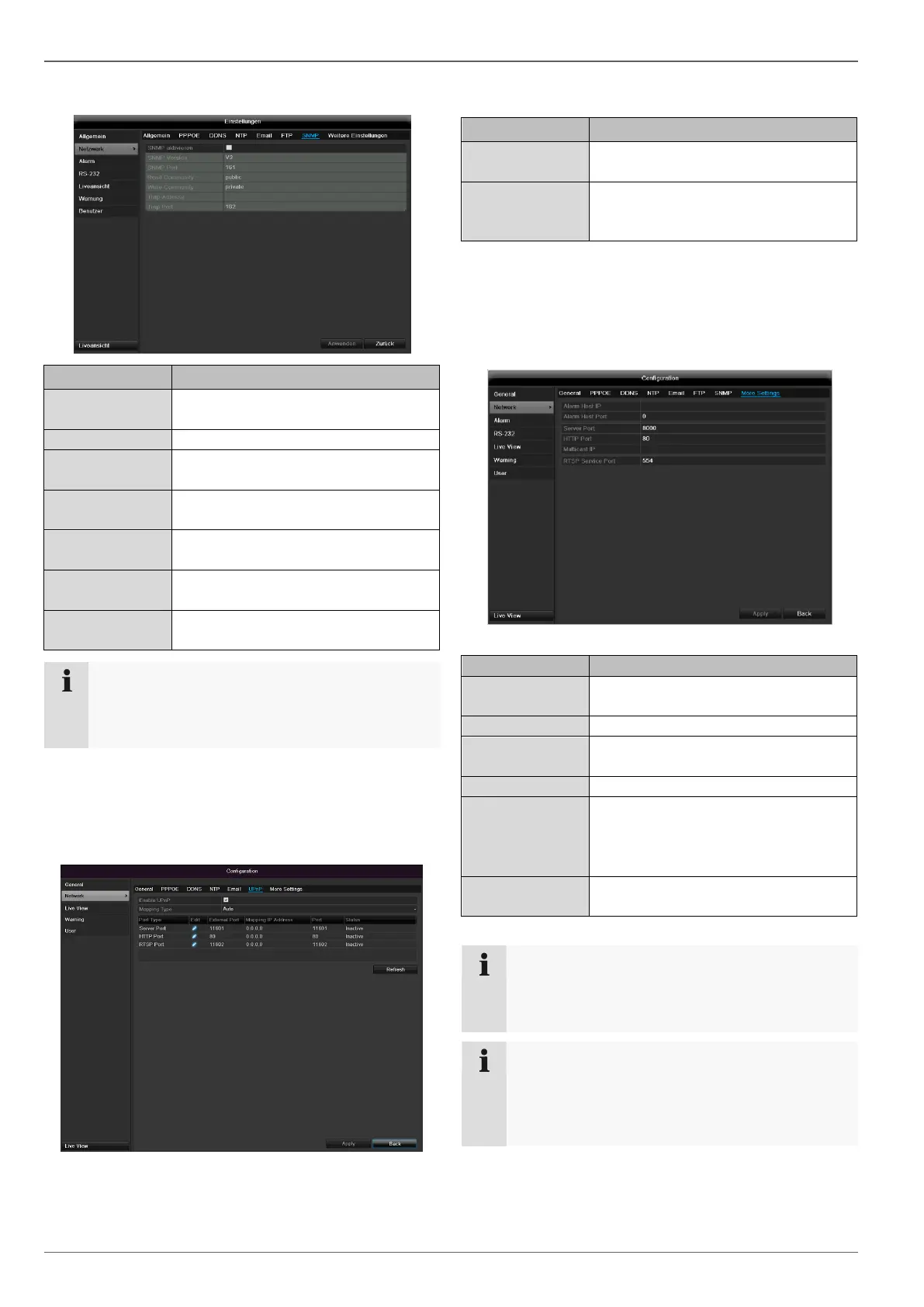
SNMP
Activate the checkbox to create a
connection to SNMP software
Version of the SNMP system
Enter the SNMP port
(Default: 161)
Enter the “Key” according to the set-
tings of your SNMP software.
Enter the “Key” according to the set-
tings of your SNMP software.
Enter the IP address of the
SNMP manager
Enter the trap port
(Default: 162)
Note
SNMP is used for monitoring the device status.
For this you need SNMP software not available
from ABUS.
Confirm the settings by clicking Apply and exit the menu
with Back.
UPnP
Tick box to activate visibility in an IP
network.
Select here whether port mapping is
to be conducted automatically or
manually.
Confirm the settings by clicking Apply and exit the menu
with Back.
More settings
Network address of the PC where the
CMS is installed
Port for data communication (Gen-
eral: 8000)
Port for web server (General: 80)
In order to minimize traffic you can
enter a Multicast IP. The IP address
has to match the IP address of the
PC running the CMS software.
Note
Server port 8000 and HTTP port 80 are the stand-
ard ports for remote clients and remote Internet
browser access.
Note
With Alarm Host IP/Port you configure the address
of your CMS software. The CMS software is noti-
fied when there is an alarm, and performs various
reactions depending on the setting.



 To Next Page