EasyManua.ls Logo

Abus TVVR30004 - User Manual

Abus TVVR30004
57 pages
Print Icon
To Next Page IconTo Next Page
Loading...
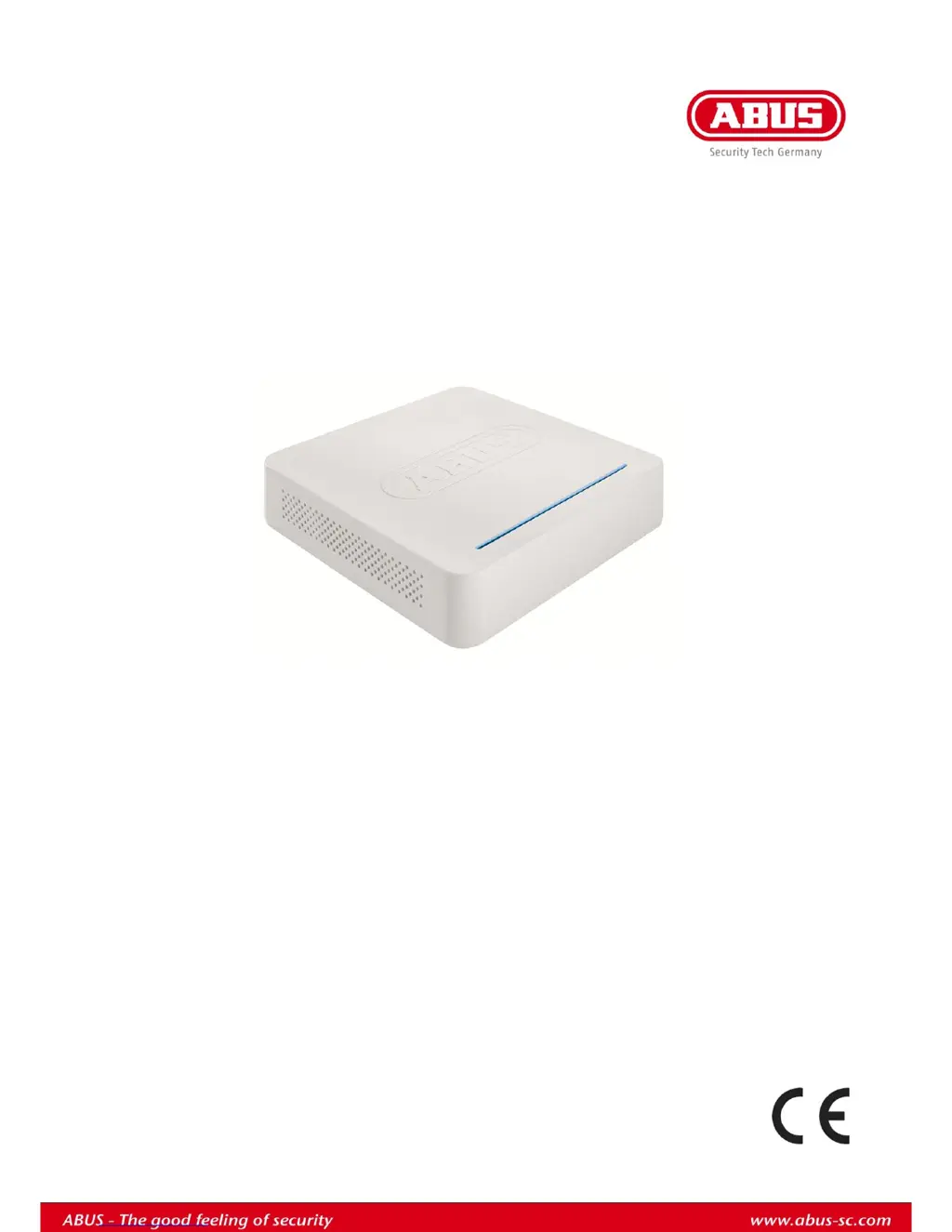
ABUS 4-channel digital recorder
TVVR30004
User guide
Version 1.0

Table of Contents

Other manuals for Abus TVVR30004

Questions and Answers

  • P
    patrickbarrettAug 15, 2025
    Why is my Abus DVR showing no image?
    • B
      brittanygonzalezAug 15, 2025
      If your Abus DVR displays no image, it could be due to several reasons. First, ensure that your screen is set to receive input from the DVR by selecting the correct video input mode. Second, verify that the video cable is securely connected. Lastly, check that the connected monitor is switched on.
  • N
    Nicole MoodyAug 18, 2025
    What to do if my Abus TVVR30004 DVR has no power?
    • J
      Jean WilsonAug 18, 2025
      If your Abus DVR has no power, check these items: ensure the mains cable is securely connected to the socket; verify the power switch is turned to the ON position; and test the power socket with another device to confirm it is working.
  • E
    Eric DavisAug 21, 2025
    Why is my Abus TVVR30004 remote control not working?
    • R
      Robert AustinAug 21, 2025
      If the remote control for your Abus DVR isn't working, try these steps: * Replace the batteries, ensuring they are inserted with the correct polarity. * Make sure you are within 7 meters of the device and pointing the remote at the sensor. * Remove any obstructions between the remote and the DVR. * Switch off any strong fluorescent lighting nearby.
  • R
    Robert McclainAug 25, 2025
    What to do if Abus DVR's HDD is not working?
    • D
      David PerkinsAug 26, 2025
      If the HDD in your Abus DVR is not working, first ensure that all connection cables are securely connected. If the problem persists, the HDD may be defective or incompatible. In this case, replace it with a recommended HDD.
  • P
    pglennAug 28, 2025
    Why is there no sound from my Abus DVR?
    • R
      Ronald JohnsonAug 28, 2025
      If there is no sound from your Abus DVR, check that the audio cables are securely connected. Also, verify that the devices connected via the audio cables are switched on. If the issue continues, the audio connection cable might be damaged and require replacement.
  • B
    brownanthonyAug 31, 2025
    How to fix Abus TVVR30004 DVR when recording is not possible?
    • C
      Christopher KennedyAug 31, 2025
      If your Abus DVR is unable to record, it may be due to the absence of an HDD or because the HDD hasn't been initialized. You should install and initialize the HDD.
  • D
    Danielle DeckerSep 4, 2025
    What to do if Abus DVR suddenly deactivates?
    • T
      Teresa ReedSep 4, 2025
      If your Abus DVR suddenly deactivates, it might be overheating. Clean the device and ensure there are no obstructions blocking the ventilation area.
  • C
    cruzdonaldSep 7, 2025
    Why is network access not possible on my Abus DVR?
    • D
      Drew LongSep 7, 2025
      If network access is not possible on your Abus DVR, ensure the network cable is securely connected. Also, verify that your network settings (DHCP, IP address, etc.) are correct. If needed, check the network configuration and correct it.
  • K
    kerrleonardSep 10, 2025
    Why is the USB port not working on my Abus DVR?
    • H
      Hayden WaltonSep 10, 2025
      If the USB port on your Abus DVR is not working, the connected device might not be supported. Try connecting a compatible USB 2.0 medium directly, without using a USB hub.

Summary

System Operation

Quick Guide

Getting Started

Preparatory steps before operating the device.

Establishing Connections

Steps to connect cameras, monitor, and mouse.

Configuring the Device

Steps to configure the device using the setup wizard.

Important Safety Information

Power Supply Safety

Safety guidelines for power supply and connection.

Important Safety Information

Overvoltage, Cables, and Environment

Warnings on power, cables, and installation site.

Important Safety Information

Introduction

Device Startup and Shutdown

Procedures for starting, stopping, and rebooting.

Setup Wizard

System Setup

Guided process for initial system setup.

Network and HDD Settings

Configuration of network and HDD management.

Administrator and Time;Date

Steps to configure admin settings and system time.

Camera Recording

Settings for configuring camera recording.

Live View

Playback

General and Screen Overview

Overview of playback functionalities and interface.

Playback

Configuration

General Settings

Device settings for general parameters.

Network Configuration

Network configuration settings.

Configuration

Configuration

Network Layout and Configuration

Network connection and configuration settings.

PPPoE and DDNS Setup

Configuration for PPPoE and Dynamic DNS.

NTP and Email Settings

Time synchronization and email notification setup.

Warning and User Management

Device warnings and user account management.

User Permissions

Setting user access rights for cameras and operations.

Camera Settings

Recording Settings

Setup and Schedule

Initial setup and definition of recording schedules.

Recording Settings

HDD Management

HDD Installation

Step-by-step guide for installing the hard drive.

HDD Management

Recording Modes

Panic Recording

Instructions for starting manual recording.

Playback Features

Video Export

Export by Duration

Exporting recordings based on time span.

Video Export

Maintenance

Maintenance

Troubleshooting

Malfunctions and Solutions

Common issues, causes, and their solutions.

Internal HDD Handling

Abus TVVR30004 Specifications

General IconGeneral
Video Inputs4
Recording Resolution1080p
CompressionH.264
Channels4
Remote ViewingYes
Motion DetectionYes
Power Supply12V DC
Video Outputs1 HDMI, 1 VGA
Audio Inputs1 RCA
Audio Outputs1 RCA
Hard Drive Support1 SATA up to 6TB
Network InterfaceRJ45
USB Ports2 x USB 2.0
Operating Temperature-10°C to +55°C

Related product manuals