EasyManua.ls Logo

Abus TVVR30004 - Configuration; UPnP and More Settings

Abus TVVR30004
57 pages
Print Icon
To Next Page IconTo Next Page
To Previous Page IconTo Previous Page
Loading...
Configuration
87
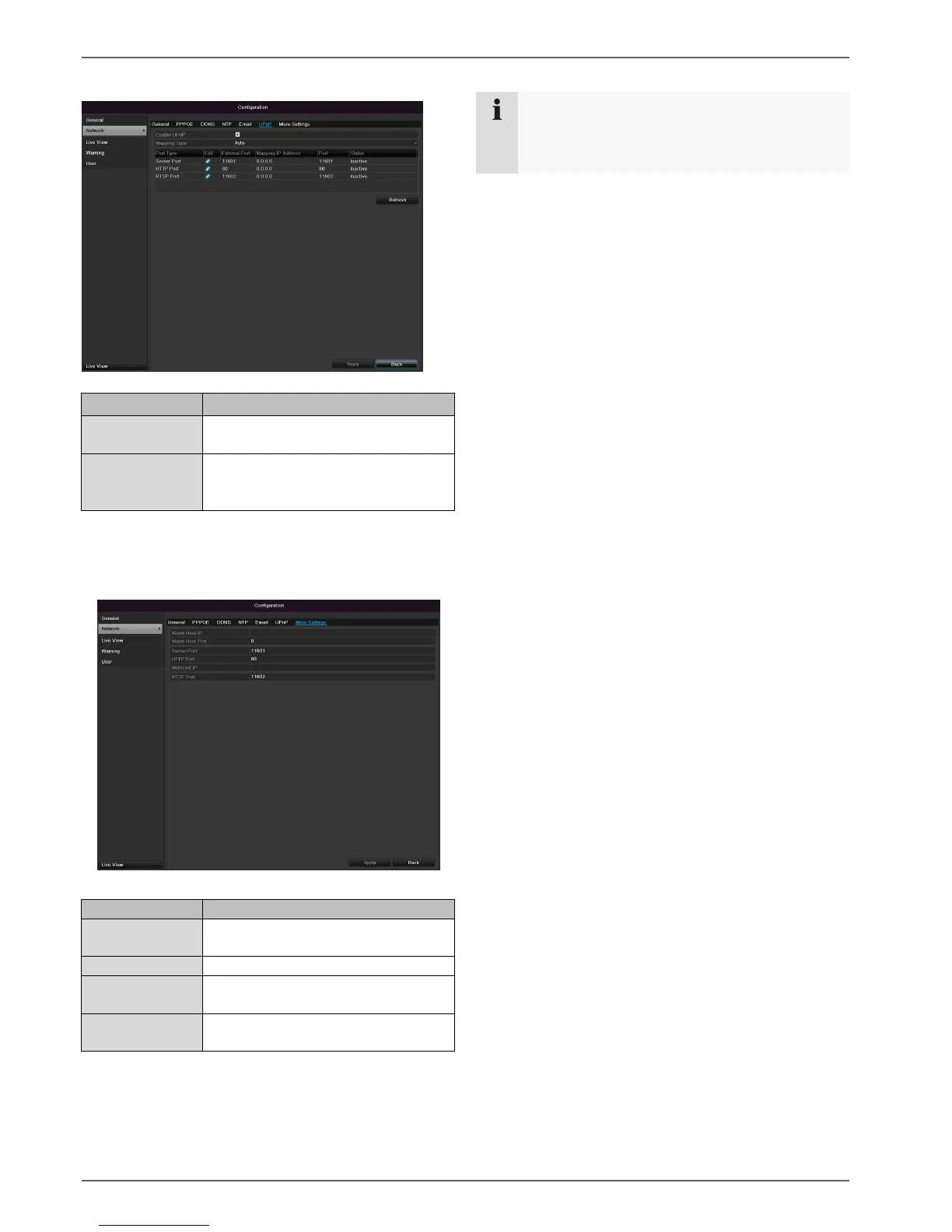
UPnP
Parameter
Setting
Enable UPnP
Tick box to activate visibility in an IP
network.
Mapping Type
Select here whether port mapping is
to be conducted automatically or
manually.
Confirm the settings by clicking Apply and exit the menu
with Back.
More settings
Parameter
Setting
Server Port
Port for data communication (Gen-
eral: 8000)
HTTP Port
Port for web server (General: 80)
Multicast IP
In order to minimize traffic you can
enter a Multicast IP.
RTSP Service
Port
RTSP-port
(Default: 554)
Note
Server port 8000 and HTTP port 80 are the stand-
ard ports for remote clients and remote Internet
browser access.

Table of Contents

Other manuals for Abus TVVR30004

Related product manuals