Note
The device can manage one 2.5" SATA hard disk
drive.
Each of the installed HDDs must be initialised be-
fore the device can be used for recording. The de-
vice only detects the HDD and its assignment af-
ter initialisation has been made.
Warning
All data is deleted from the HDD during initialisa-
tion.
Ensure a data backup has been made in good
time beforehand.
Disconnect the device from the mains power and
open the cover.
Observe the applicable ESD guidelines when han-
dling electronic devices and ensure they are earthed.
Do not open the device in rooms with carpets or oth-
er surfaces that can become electro statically
charged.
Avoid bodily contact with all components on the
PCB.
Warning
If you have questions regarding the information or
cannot find the information you need, please con-
tact your maintenance specialist.
Install the HDD and then connect it.
Reattach the cover and connect the device to the
mains power supply.
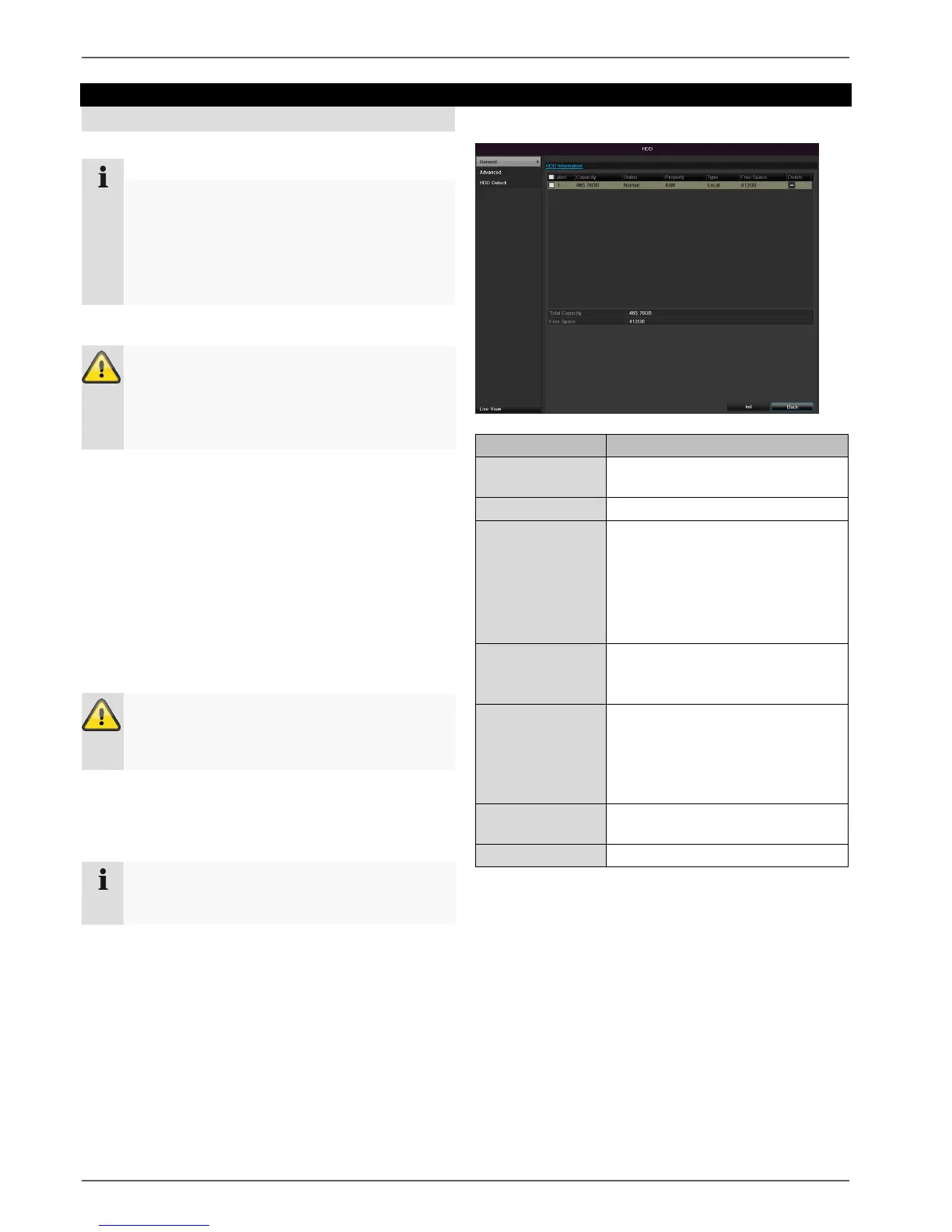
Click on “HDD” in the menu to define settings relating to
hard disc administration
HDD Management parameters
Shows the internal connection
number
Shows the current status of the
HDD:
Not initialised
Normal
Error
Standby
Read-only: Read-only protec-
tion
R/W: Read and write
Local: Device HDD
NFS: Network HDD
If possible, avoid using NFS stor-
age due to compatibility problems
that may occur.
Shows the approximate free
memory for recordings
Select the HDD by ticking the corresponding box.
Start the process by clicking on Init.
Confirm the prompt by pressing OK.
The status bar shows the progress of the initialisa-
tion.
5. Nach Beendigung des Vorgangs erscheint die Fest-
platte.
Note
If the initialised HDD is not displayed, check the
connections



 To Next Page