Note
You can zoom in on the screen image.
Right-click in the running playback.
Please choose ’Digital Zoom‘.
The zoom mode is active. Shift the zoom area
by means of the window in the miniature
screen.
Right-click the image to finish.
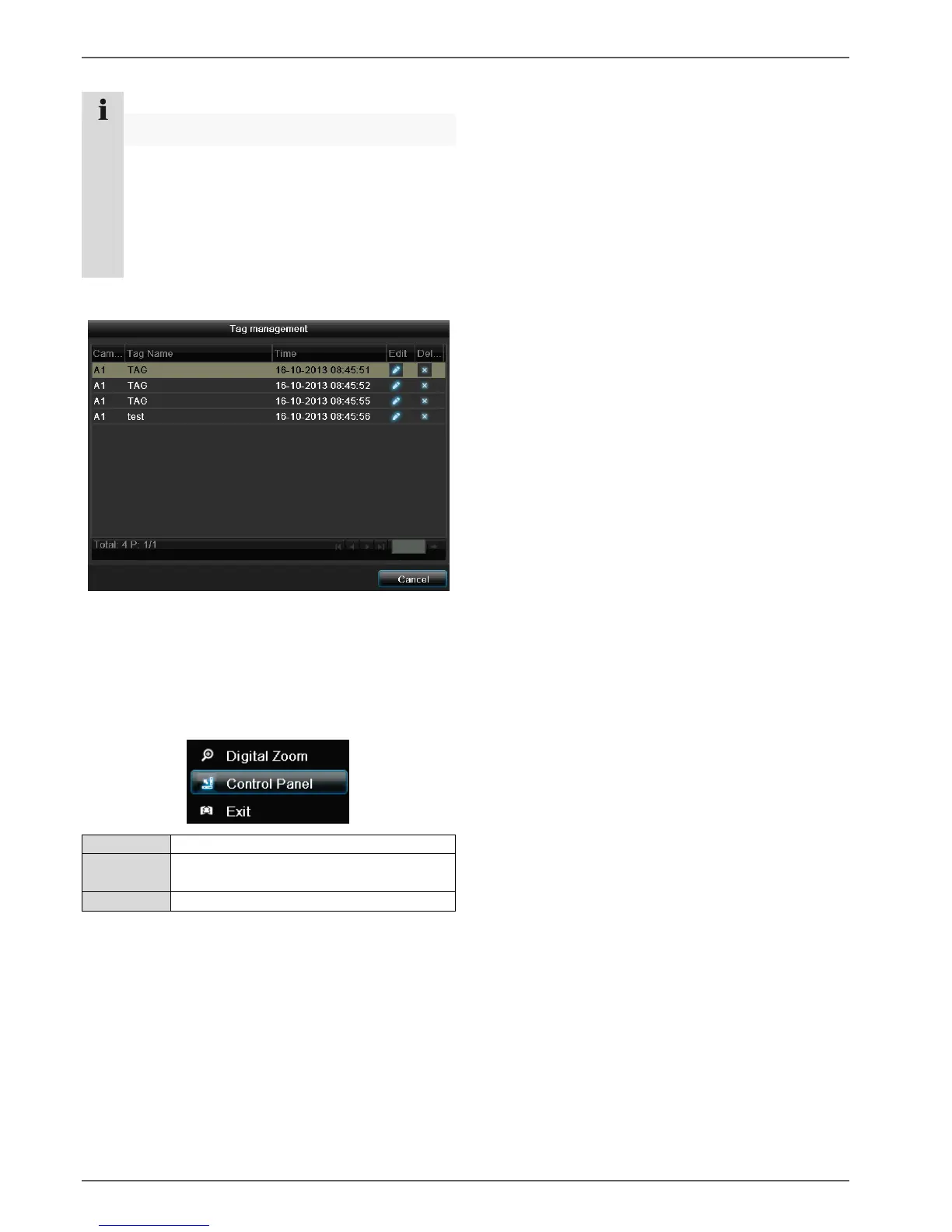
Please klick on ‚Tag management‘ (6):
In order to change the description of your marking,
click on the process symbol. To remove, click on the
delete symbol.
Right click when playback is running
Perform a right click on the playback image. The follow-
ing options are available:
Display/hide the control field for control-
ling playback



 To Next Page