EasyManua.ls Logo

Abus TVVR36000 - User Manual

Abus TVVR36000
606 pages
Go to English
Print Icon
To Next Page IconTo Next Page
Loading...
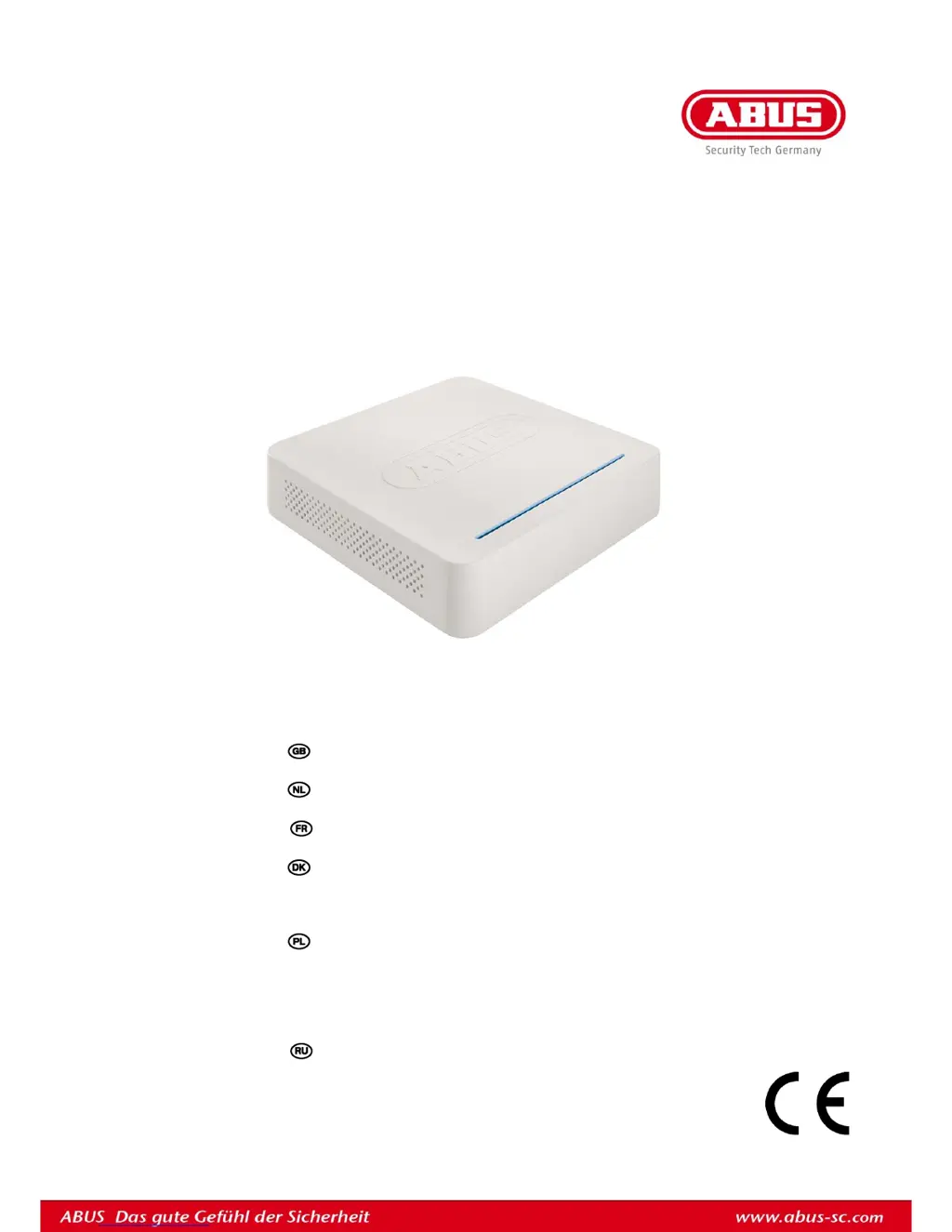
ABUS 4-Kanal Netzwerk-Videorekorder
TVVR36000
D Bedienungsanleitung
User guide
Gebruikershandleiding
Notice d’utilisation
Betjeningsvejledning
E Manual de instrucciones
Instrukcja obsługi
S Bruksanvisning
I Istruzioni per l’uso
Инструкция по эксплуатации
Version 1.0

Table of Contents

Other manuals for Abus TVVR36000

Questions and Answers

  • A
    Alexis BauerAug 14, 2025
    What to do if my Abus Tuner remote control is not working?
    • A
      Adam GibbsAug 14, 2025
      If your Abus Tuner remote control isn't working, first, replace the batteries, ensuring they are inserted with the correct polarity. Point the remote control at the sensor on the device. If that doesn't work, make sure you are within 7 meters of the device and that there are no obstructions blocking the signal. Also, strong fluorescent lighting can interfere with the signal, so try switching it off.
  • Q
    qdanielsAug 18, 2025
    How to troubleshoot no power on my Abus Tuner?
    • J
      Jill RiveraAug 18, 2025
      If you're experiencing a 'No Power' issue with your Abus Tuner, ensure the mains cable is securely connected to the socket. Check that the power switch is turned 'ON'. Also, verify the power socket is functioning by testing it with another device.
  • B
    brandonprattAug 21, 2025
    What to do if there is no image on my Abus Tuner?
    • M
      Monica BishopAug 21, 2025
      If your Abus Tuner displays 'No Image', first ensure that your screen is set to receive the correct video input. Then, check that the video cable is securely connected. Also, verify that the connected monitor is switched on.
  • S
    Susan YoungAug 25, 2025
    Why does my Abus Tuner suddenly turn off?
    • J
      jason67Aug 25, 2025
      If your Abus Tuner suddenly deactivates, it could be due to high internal temperature. Clean the device and ensure there are no obstructions blocking the ventilation area.
  • F
    fstarkAug 27, 2025
    How to fix no sound issue on Abus Tuner?
    • R
      Raven PatelAug 27, 2025
      If your Abus Tuner has no sound, ensure the audio cables are securely connected. Verify that all devices connected via the audio cables are switched on. If the problem persists, the audio connection cable may be damaged and require replacement.
  • J
    john03Aug 30, 2025
    What causes HDD not working on Abus Tuner?
    • J
      Joseph WalkerAug 31, 2025
      If the HDD is not working with your Abus Tuner, first, make sure the connection cables are securely connected. If the issue persists, the HDD may be defective or incompatible. Replace it with a recommended HDD.
  • Z
    Zachary WelchSep 3, 2025
    Why is recording not possible on my Abus Tuner?
    • B
      Bianca MillerSep 3, 2025
      If recording is not possible on your Abus Tuner, it may be due to the absence of an HDD or an uninitialized HDD. Install and initialize the HDD to resolve this issue.
  • C
    Chad GatesSep 6, 2025
    What to do if the USB port is not working on my Abus Tuner?
    • M
      Michaela BurnsSep 7, 2025
      If your Abus Tuner USB port isn't working, the connected device might not be supported. Try connecting a compatible USB medium (USB 2.0). If you're using a USB hub, connect the USB medium directly to the Tuner instead.
  • T
    Tracy MeyerSep 10, 2025
    How to fix network access issues on Abus Tuner?
    • S
      smithbernardSep 10, 2025
      If network access is not possible with your Abus Tuner, start by ensuring the network cable connections are secure. If the connections are fine, check your network configuration settings (DHCP, IP address, etc.) and correct them as necessary.

Summary

Quick Guide

Configuring the Device

Initial device setup through the wizard.

Important Safety Information

Symbols and Warnings

Meaning of safety symbols and general warnings.

Power Supply and Cables

Safety related to power, cables, and environment.

Status Displays

Setup Wizard

System and Network Setup

Initial configuration of language, admin, time, and network.

HDD and Camera Configuration

HDD management and camera setup wizard steps.

Live View

Playback

Main Menu

Configuration

General and Network Settings

Basic device and network parameter configuration.

Camera Management

Camera Setup and Image Settings

Adding cameras and adjusting image parameters.

Record Settings

Schedule Configuration

Setting recording times and triggers for cameras.

HDD Management

Video Export

Maintenance

Shutdown Procedures

Troubleshooting

Abus TVVR36000 Specifications

General IconGeneral
Recording ResolutionUp to 1080p
CompressionH.264
USB Ports2 x USB 2.0
Channels4
Motion DetectionYes
Video Inputs4
Video OutputsHDMI, VGA
Audio Inputs4
Audio Outputs1
Hard Drive Support1x SATA up to 6TB
Network Interface1 x RJ-45, 10/100 Mbps
Remote ViewingYes
Operating Temperature-10°C to +55°C

Related product manuals