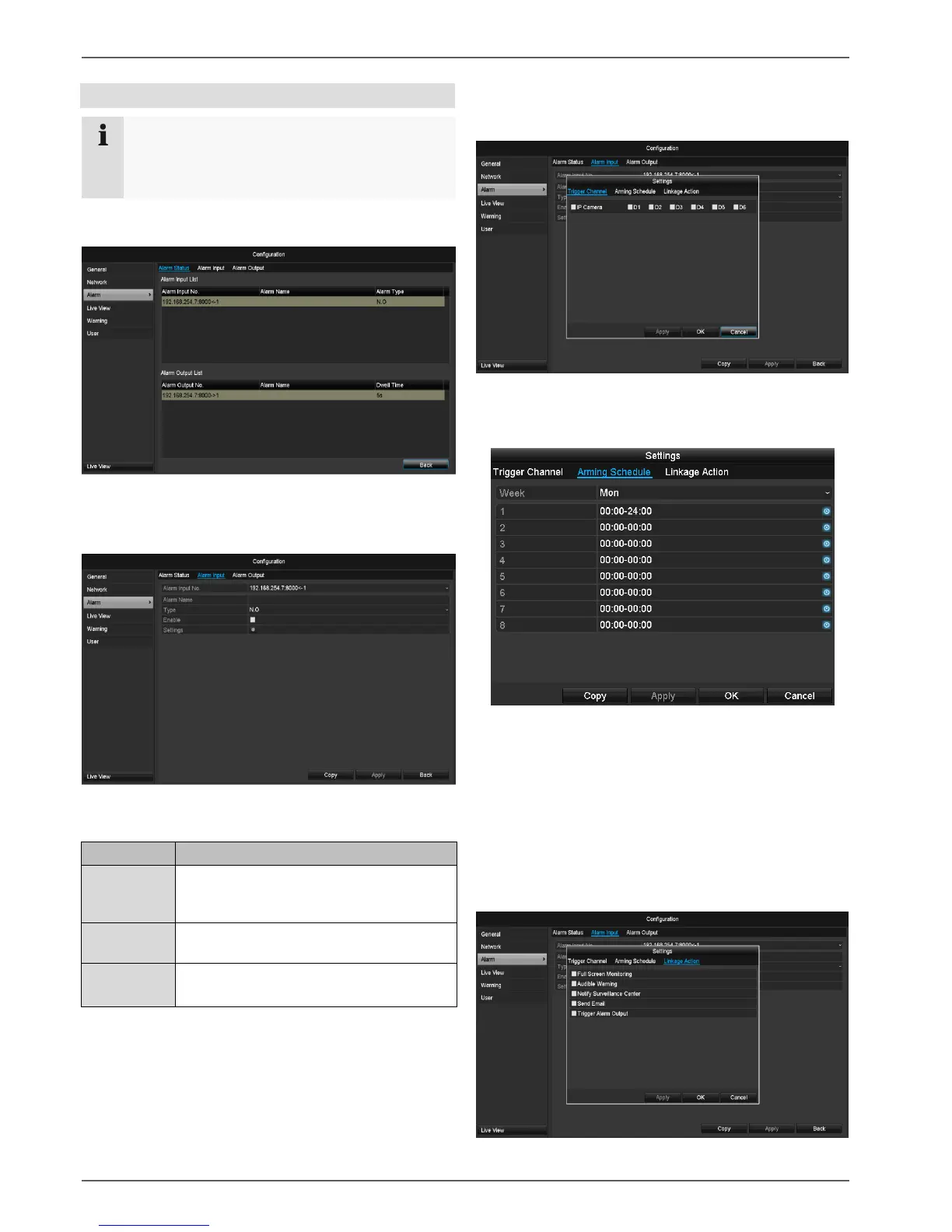
Alarm status
Here you see a list with all the alarm inputs and outputs
of the network cameras and their current status.
Alarm input
Select a reaction in the case of an alarm by clicking
the ‘Setting’ symbol for “Reaction”.
Select the alarm input to make the set-
tings You can select the alarm input us-
ing the network address data.
Activate the alarm input by ticking the box for “Set-
tings”.
Define the response of the recorder when there is an
alarm at “Reaction”.
Click Copy to apply these settings for other cameras.
Confirm the settings by clicking Apply and exit the
menu with Back.
Settings
TAB Trigger channel
Tick a box to select which camera channel is triggered
when there is an alarm.
TAB Activate schedule
Define the time at which the responses selected in
the TAB “Reaction” are activated when there is an
alarm.
Click “Copy” to apply these settings for other days of
the week or the entire week.
Link action
Select the TAB Link action.
Here you can configure the response of the recorder for
an alarm by ticking a box.


 To Next Page
 Loading...












