Setup wizard
79
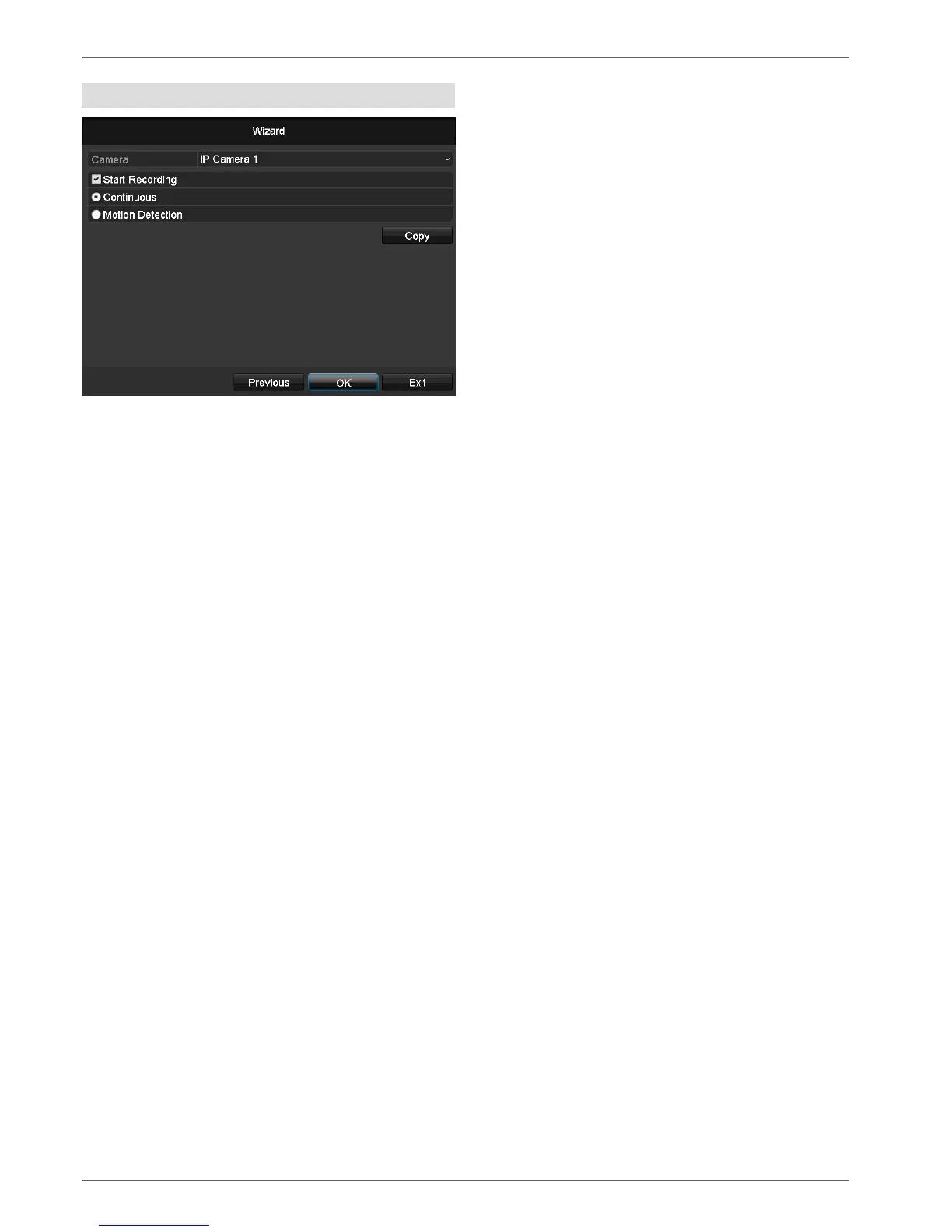
Camera recording
1. For “Camera”, select a network camera which you
want to record with
2. Activate the check box “Start recording”.
3. Select the type of recording. You can choose be-
tween “Time plan” and “Motion recognition”.
Arm the motion detection inside the camera for re-
cording motion.
4. Press Copy to take on the setting for other cameras.
For this, select the cameras that appear in the new
window. Activate the respective check box with a
mouse click.
5. Finalize the setting and end the installation assistant
with OK.


 To Next Page
 Loading...












